LIQUID ARβ
App-Free WebAR/VR Samples
How to Use
- Open this page on your smartphone.
- Select the sample you want to view and allow the camera to launch.
- Point your camera at the sample marker
 .
.
Sample Marker
Try pointing your camera at this marker. The same marker works for all samples.
It is handy to display this marker on another PC or to print it out.
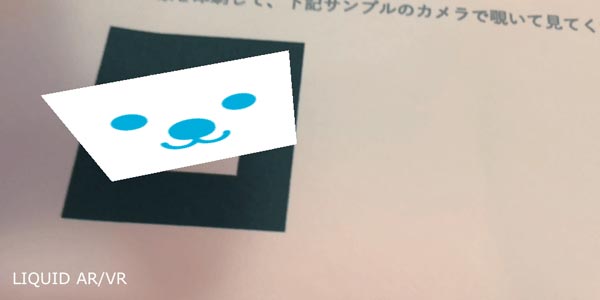
1. Display a 2D Image
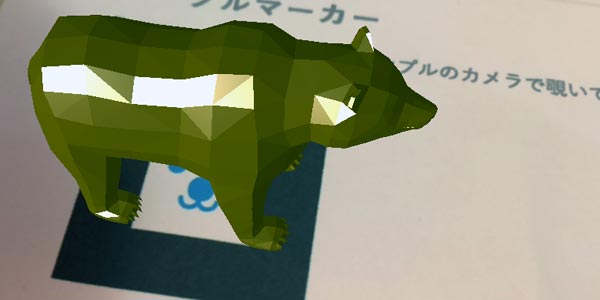
2. Display a 3D Image
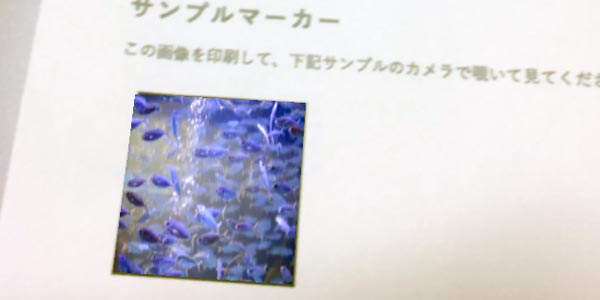
3. Play a Video
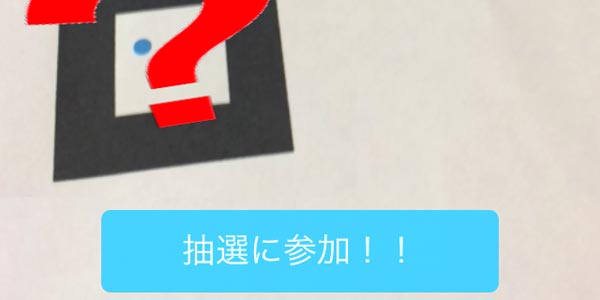
4. Lottery Campaign
5. Stamp Rally
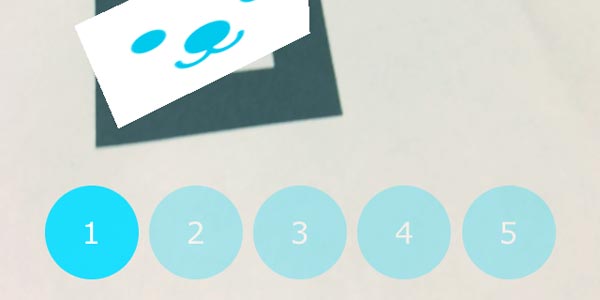
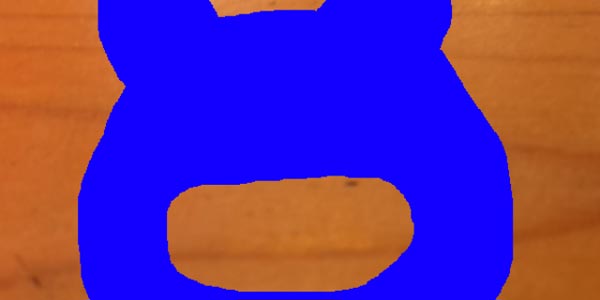
6. Face-in-Hole Board
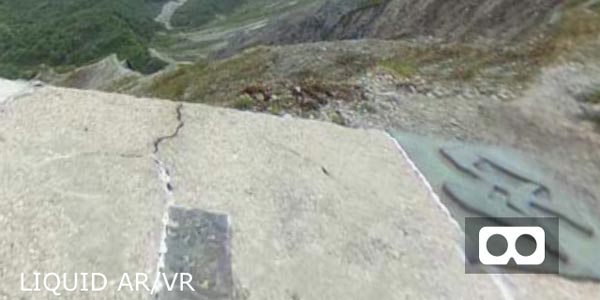
7. 360° VR
*These samples are still under development.
Supported browsers: Safari on iPhone/iPad running iOS 11 or later, Chrome on Android
They will not work unless camera permissions are granted.
Operation is not guaranteed on all devices.
» Learn more about LIQUID AR here