This time, we introduce the widget features newly added in version 0.9.5 and explain how to configure them.
You can now easily place the site owner's profile information and social media account icons as widgets wherever you like.
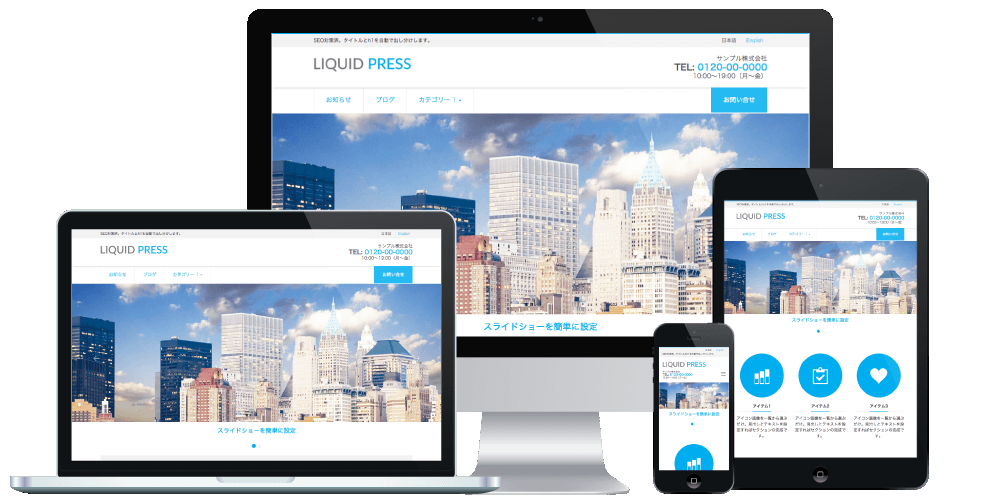
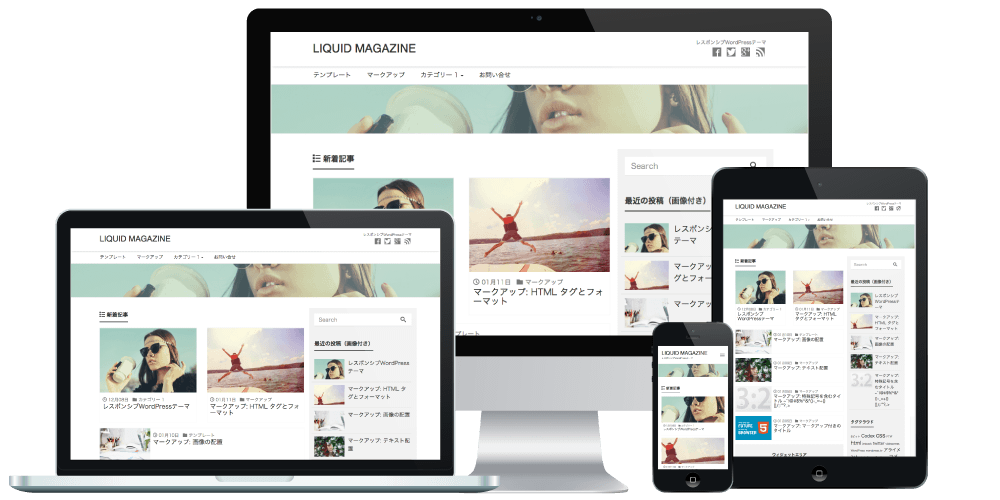
Applicable Themes
New Widgets
- Profile widget
- Social media widget
How to Customize
Configure from Admin screen > Appearance > Customize > Widgets, or Admin screen > Appearance > Widgets.Profile Widget
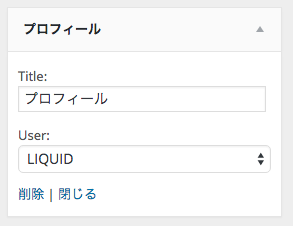
Add the "Profile" widget wherever you like.Enter a widget title and select the user whose profile information should be displayed.
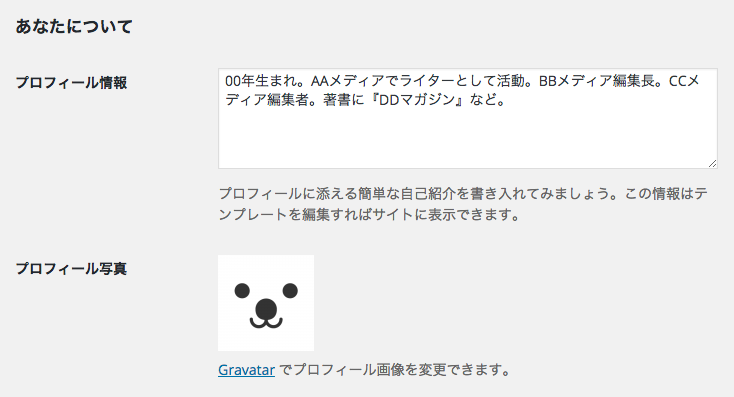
 Profile information is edited from Admin screen > Users > Your Profile.
The display name, profile information, and profile photo are shown.
The profile photo is set using "Gravatar", the avatar service integrated with WordPress, or the "WP User Avatar" plugin.
Social Media Widget
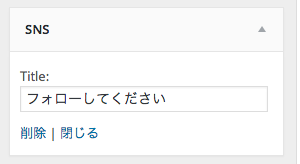
All you need to do is enter a widget title (leaving it blank is fine too).Icons for the social media accounts you have configured will be displayed.
 Reference: How to configure social media accounts
Display Example
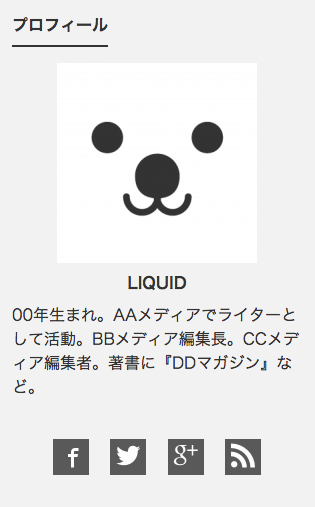 The profile widget and the social media widget (with a blank title) placed together.
Demo (placed in the sidebar)
Open Development Status
For LIQUID PRESS, we publish our template development status and change history on GitHub.By developing openly, we aim to make it easier to receive contributions from the community and to give feedback to our users.
https://github.com/lqdjp/liquid-press/issues
LIQUID PRESS
 » Unlimited Plan
» All Themes
» Unlimited Plan
» All Themes