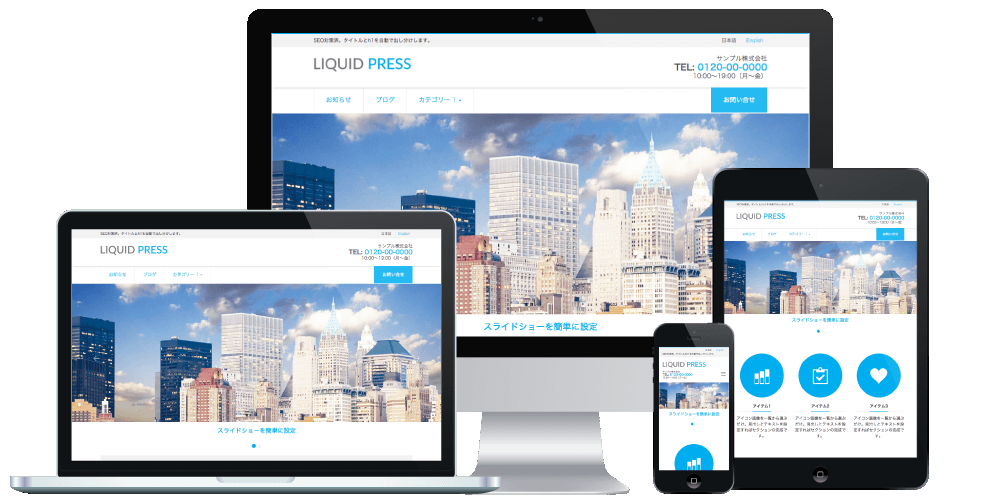
WordPress Automatic Posting Manual
LIQUID PRESS MAUNAL-
How to Post Automatically
-
IFTTT
IFTTT is a free web service that lets you connect multiple services together.
You create a recipe such as "when a new post is made on Instagram, post it to WordPress too," which makes it easy to post to WordPress automatically.
The site is in English, but creating a recipe is simple. * We do not guarantee its operation.1. Create an IFTTT account.
Go to IFTTT and press "Sign Up".
Enter your email address and password, then press "Create account".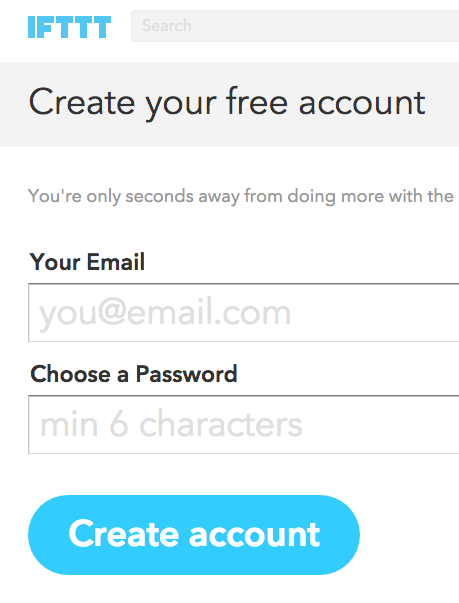 You will receive a confirmation email, so visit the URL given in it.
Registration is now complete. -
Automatic Posting from Instagram
Instagram to WordPress
1. Press "Add" on the recipe above.
Press "Connect" and enter the username and password for each account.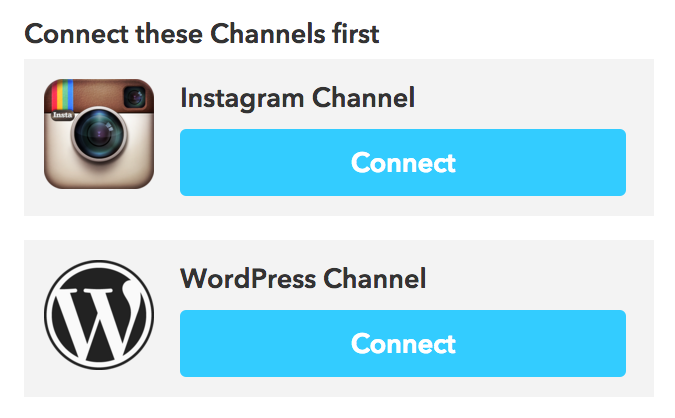 2. The detailed settings will be displayed. For example, if you enter "Photo" in Tags, that tag will be attached every time a post is made automatically.
If everything looks right, press "Add".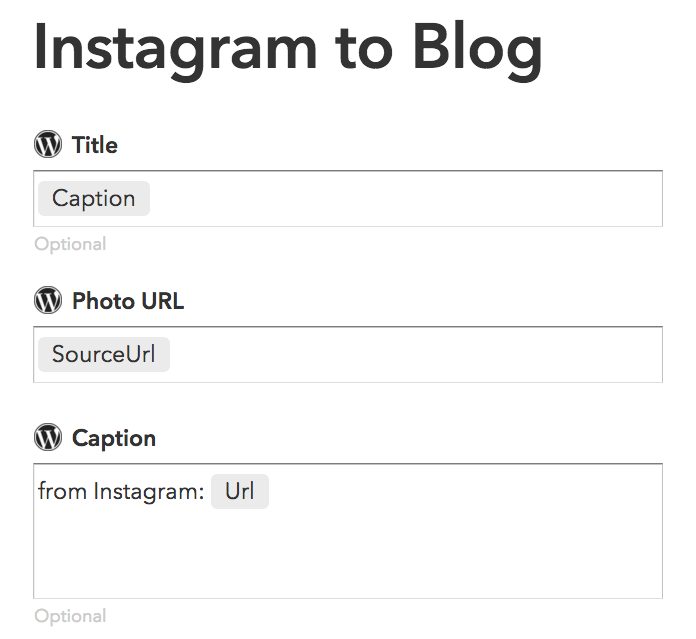 3. That completes the automatic posting setup.
You can check the recipes you have created under "My Recipes".
After a new post is made, it takes a little time before it is posted automatically. If you want to check right away, press the refresh icon.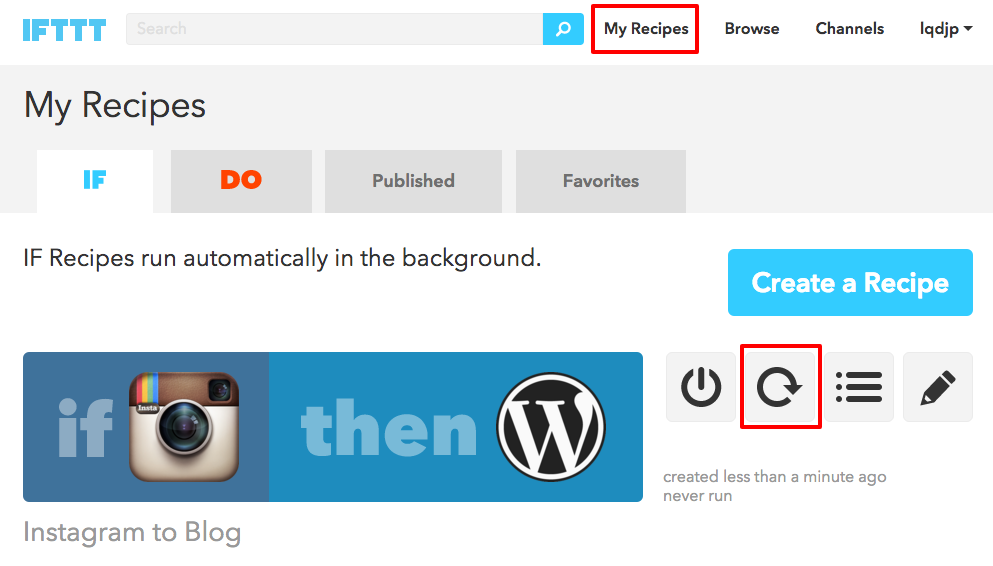
-
Recommended Automatic Posting Recipes
Here are some recommended automatic posting recipes.
Flickr to WordPress
Twitter to WordPress
Facebook to WordPress
There are also recipes that do something else when you "post to WordPress".
Automatic integration makes running your site easier, so please look for recipes at IFTTT Recipes.