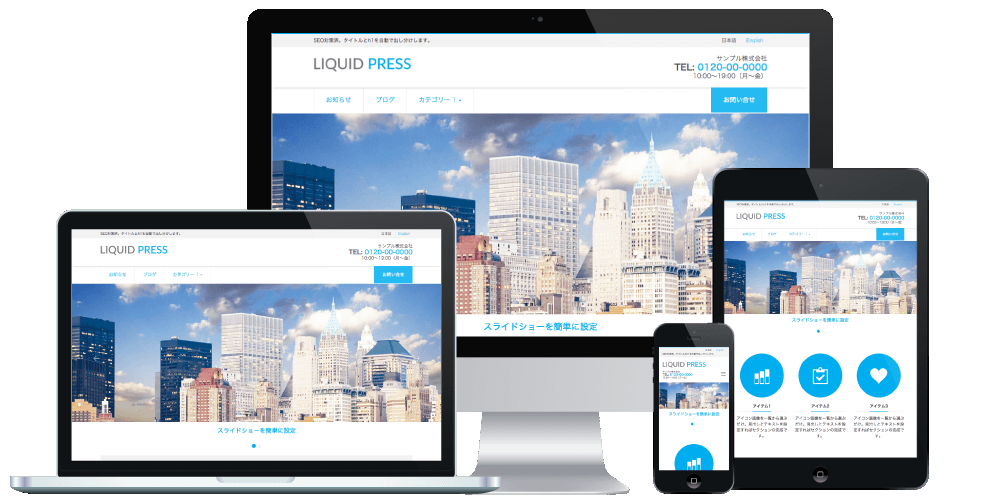
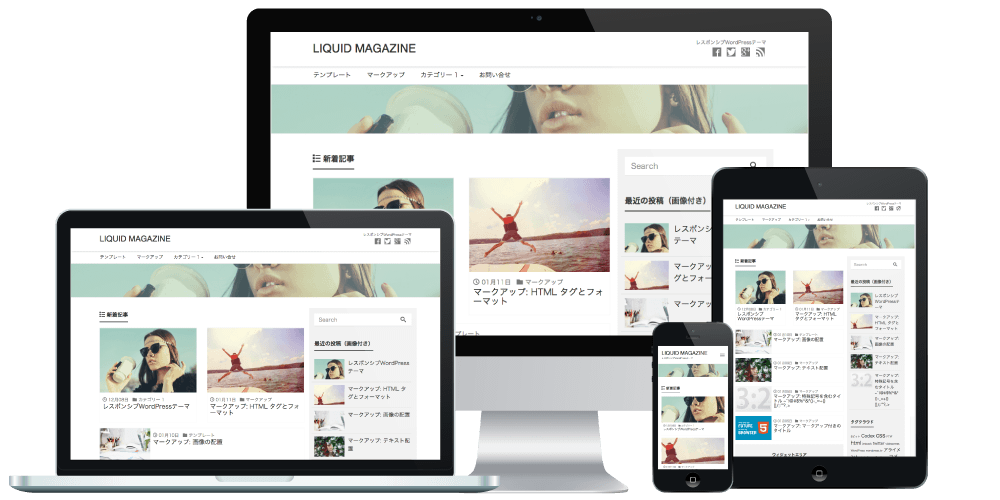
With LIQUID PRESS themes, you can easily place the share buttons you want while checking a preview.
Applicable Themes
The LIQUID PRESS series*Excluding LIGHT
Settings
- Share buttons
- Show
- Hide
- Hide on static pages
- Facebook, Twitter, Google+, Hatena Bookmark, Pocket, LINE
- Show
- Hide
How to Customize
Configure from Admin screen > Appearance > Customize > Social Share Buttons.Social Share Buttons
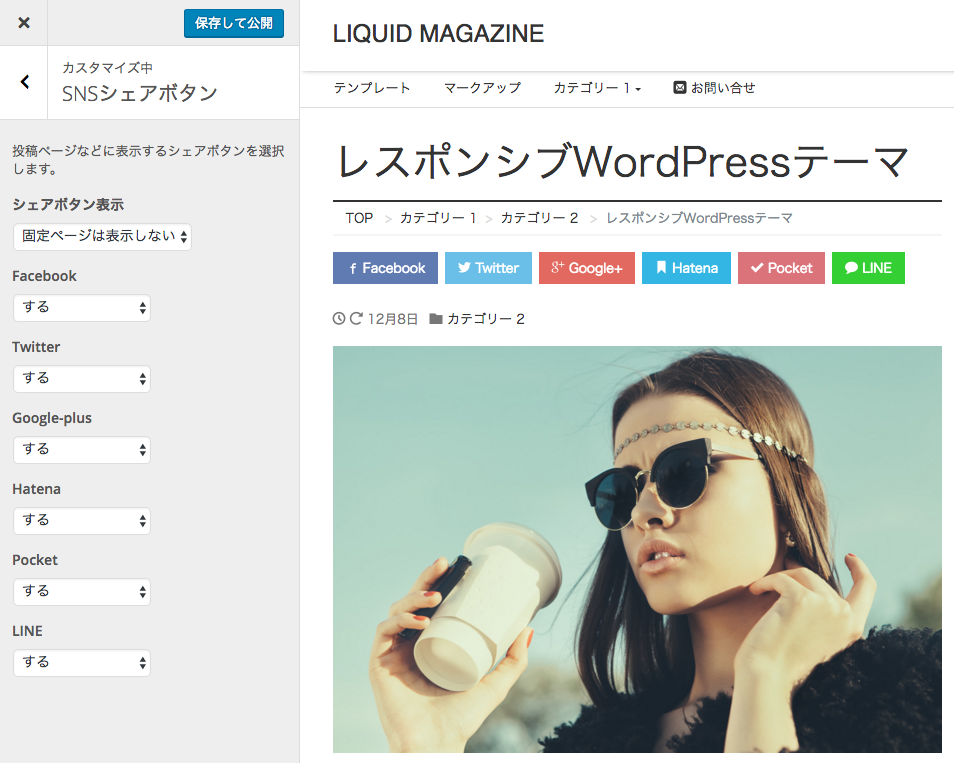 Let's try hiding the Google+ and LINE buttons.
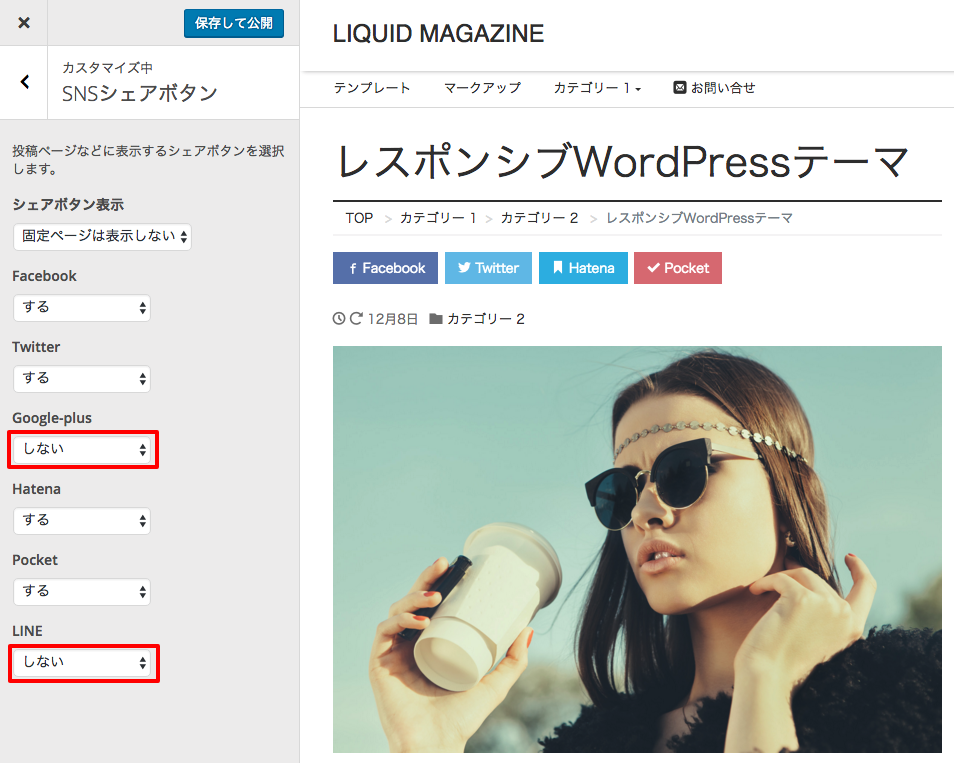 The Google+ and LINE buttons are now hidden.
Click "Save & Publish" and you're done.
Open Development Status
For LIQUID PRESS, we publish our template development status and change history on GitHub.By developing openly, we aim to make it easier to receive contributions from the community and to give feedback to our users.
https://github.com/lqdjp/liquid-press/issues
LIQUID PRESS
 » Unlimited Plan
» All Themes
» Unlimited Plan
» All Themes