We have added a feature for creating and registering block patterns to the official WordPress plugin "LIQUID BLOCKS".
Block pattern creation and registration feature
What are block patterns?
Block patterns are a feature introduced in WordPress 5.5 that lets you insert combinations of blocks.You can select and insert them from the "Patterns" tab next to the regular blocks.
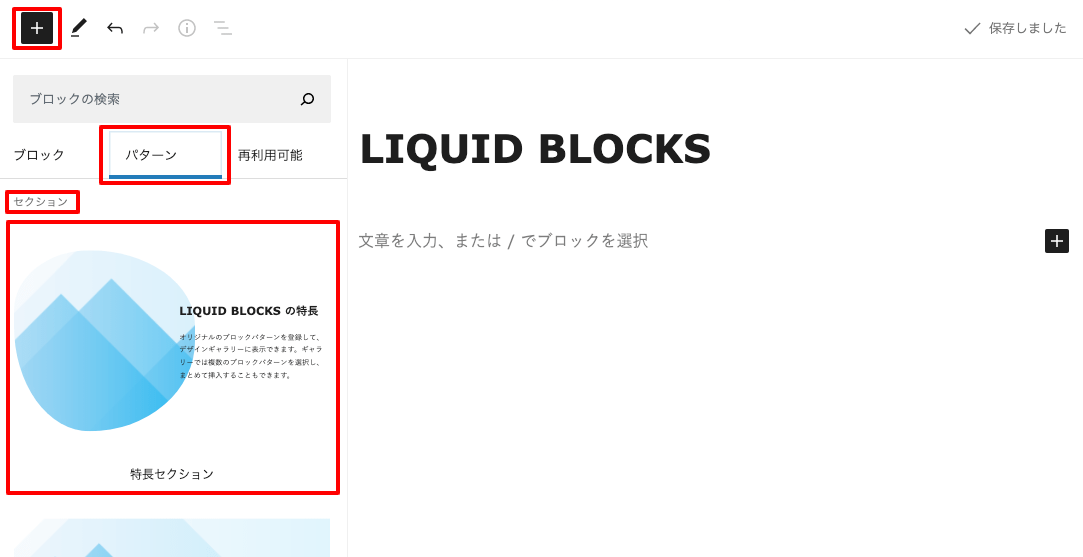 Official WordPress site: WordPress 5.5 "Eckstine"
How to create block patterns
With LIQUID BLOCKS, you can create original block patterns and register and manage them.(WordPress itself does not include a feature for creating and registering block patterns.)
Block pattern management
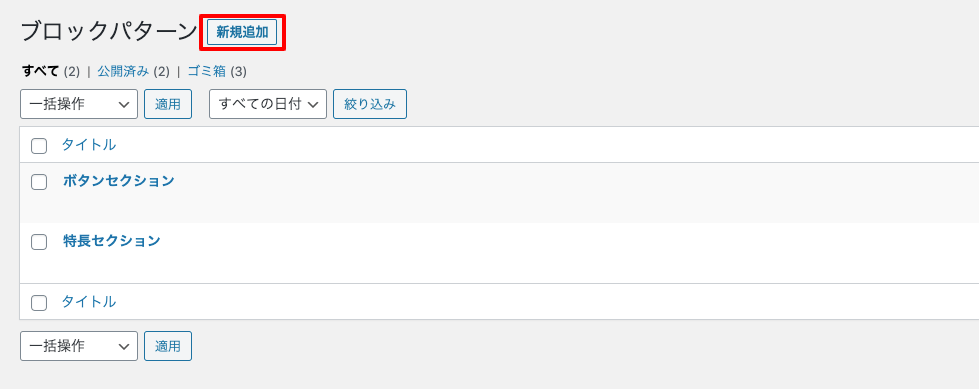
Click Settings > LIQUID BLOCKS > Block pattern management.Also, by setting "Enable default block patterns" to "Off", you can disable the standard WordPress block patterns and hide them.
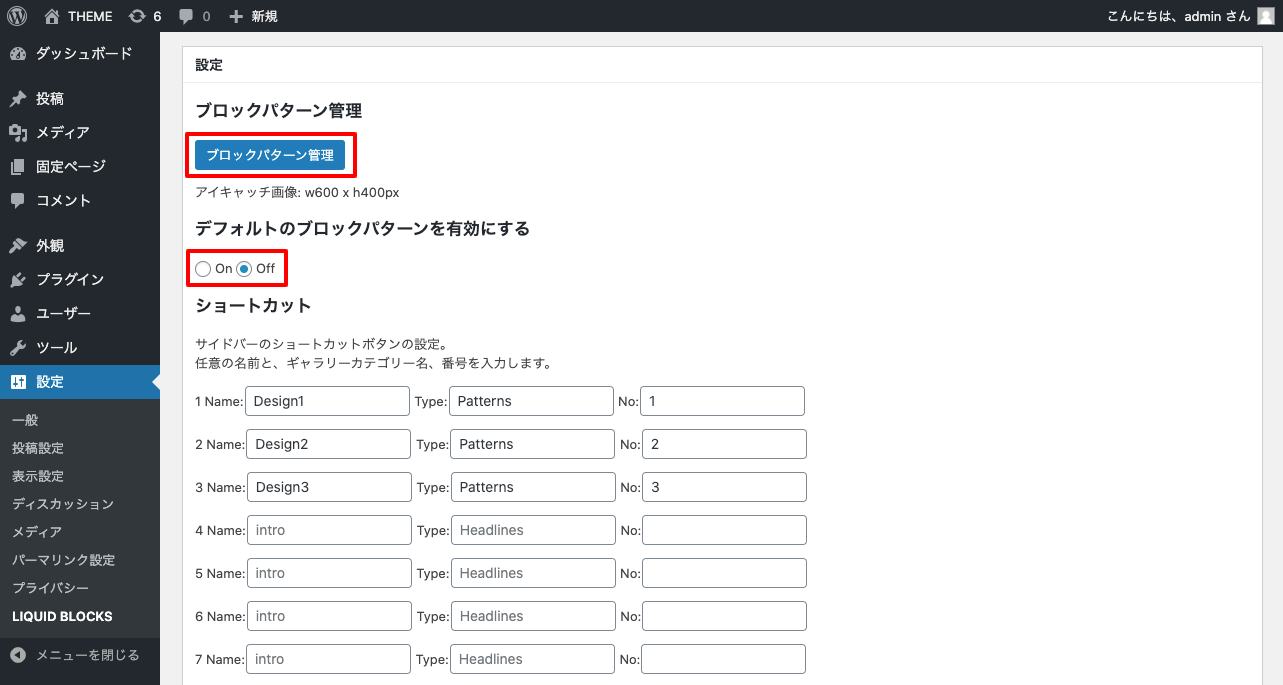 When you click "Add New" for a block pattern, you can create, edit, and register it just like a normal post.
Block gallery
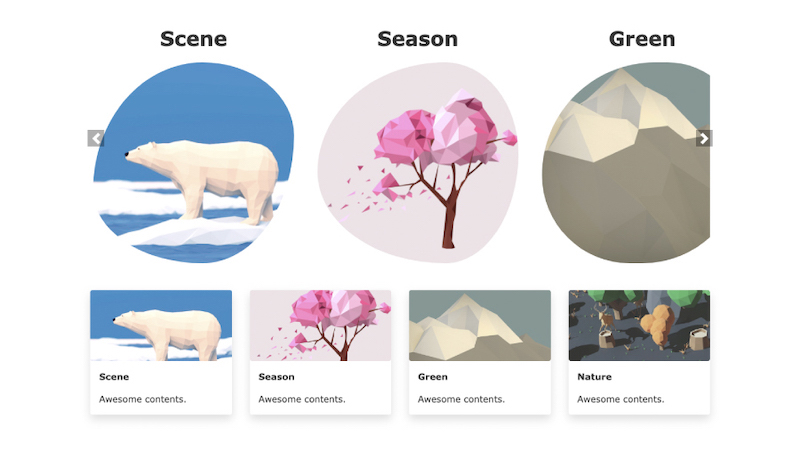
With LIQUID BLOCKS, you can also display block patterns in a full-screen block gallery and select and insert several at once.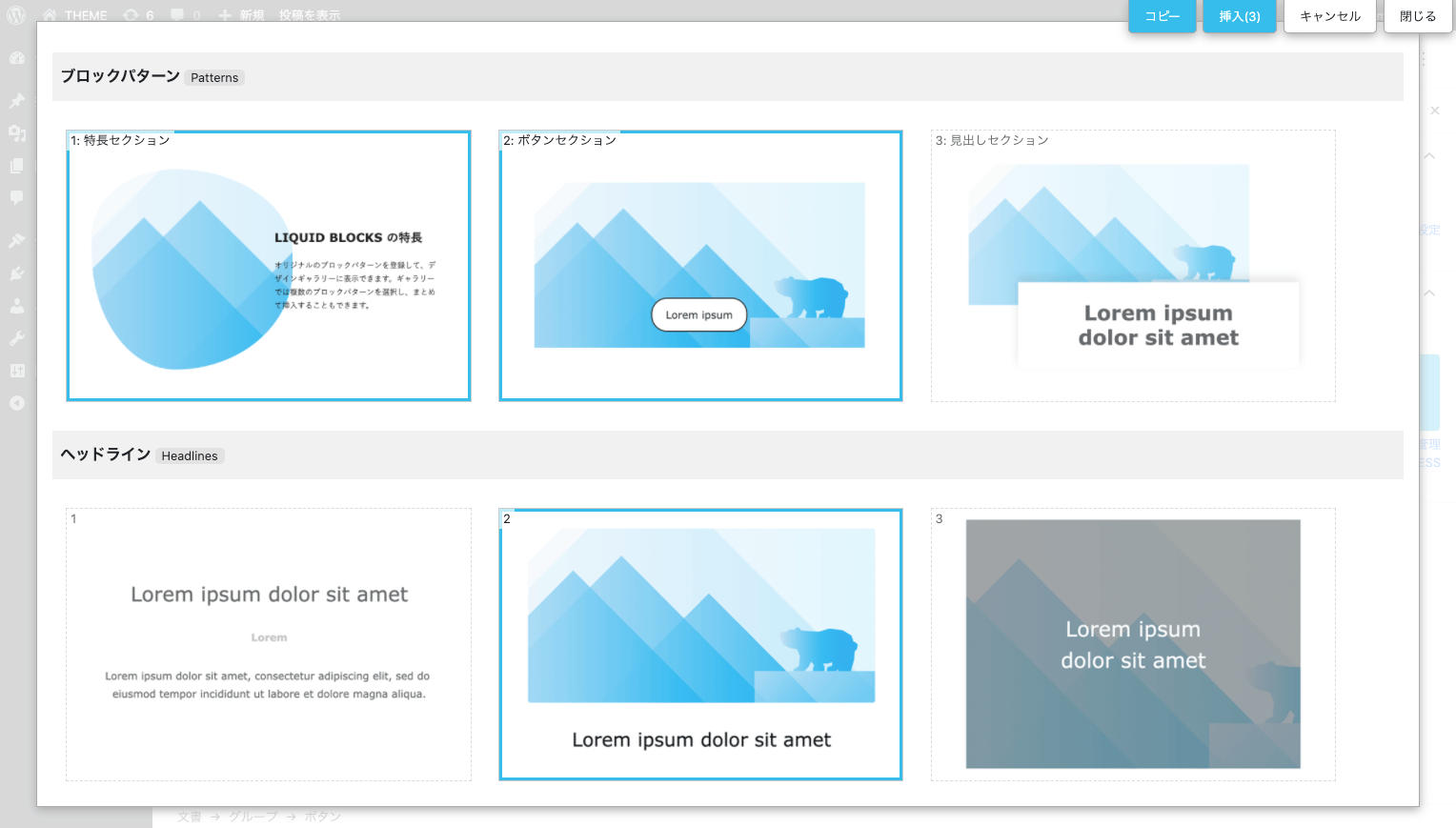 For more details on how to create block patterns, please see below.
» LIQUID BLOCKS
About LIQUID BLOCKS
 LIQUID BLOCKS is a free official WordPress plugin that streamlines content creation in the block editor.
It can be used with themes other than LIQUID PRESS as well. It also supports AMP standard mode (native AMP).
» LIQUID BLOCKS
About LIQUID PRESS
We provide WordPress themes and plugins compatible with the latest WordPress 5.5.LIQUID PRESS is registered as an official WordPress "commercially supported GPL theme".
We look forward to your continued support of LIQUID PRESS.
LIQUID DESIGN Ltd.
LIQUID PRESS
 » Unlimited Plan
» All Themes
» Unlimited Plan
» All Themes