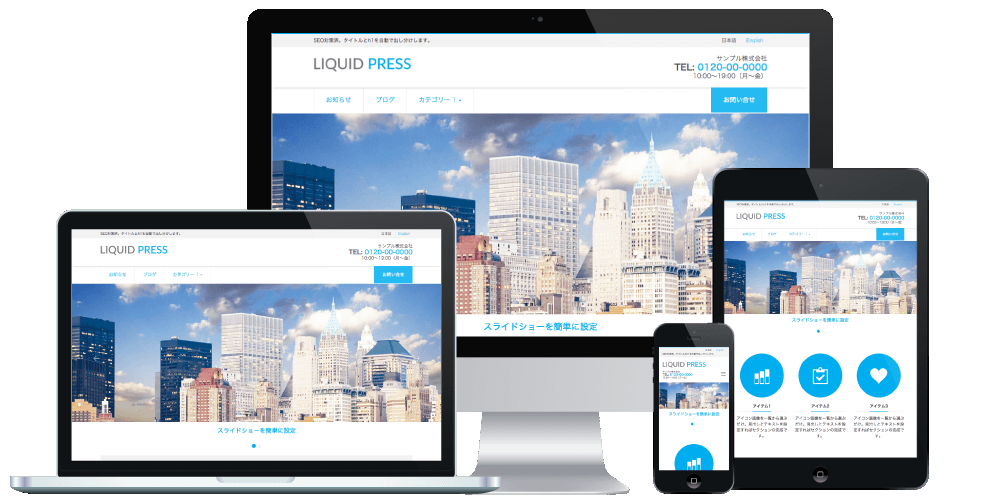
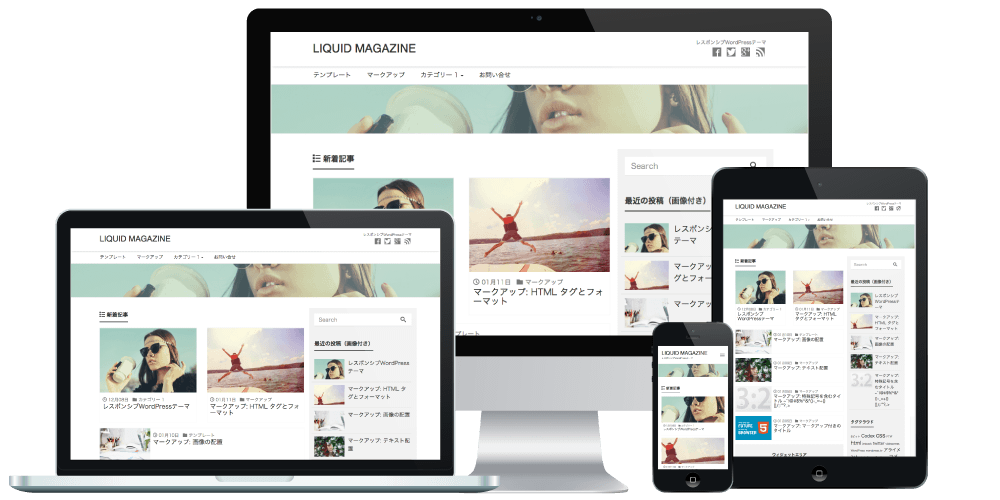
With LIQUID PRESS themes, you can easily add CSS while checking a preview.
The CSS you add here is carried over without issue even when you upgrade the theme.
Applicable Themes
The LIQUID PRESS series (*excluding LIGHT)*Theme CSS customization is outside the scope of setup support.
Partial customization support is available on the Business plan and above.
How to Customize with CSS
Configure from Admin screen > Appearance > Customize > Custom Header > Custom CSS.Custom CSS
Before customization
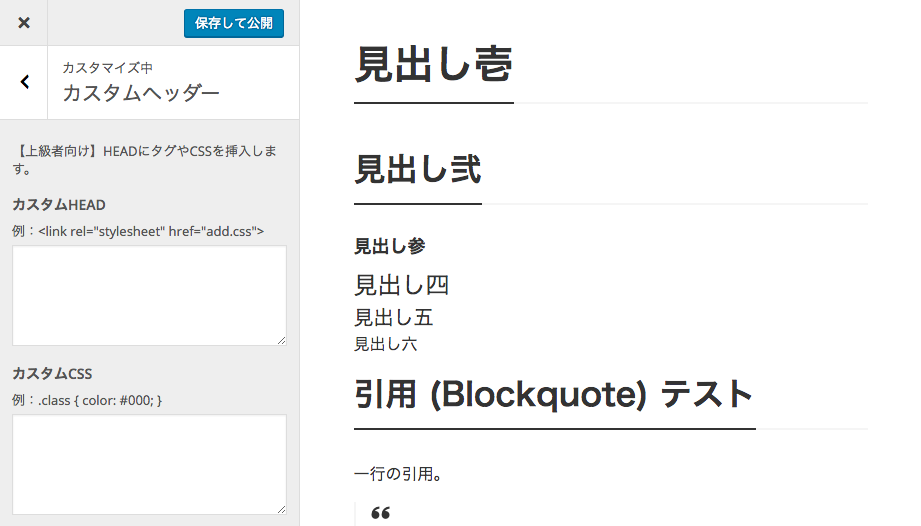 Let's change the design of Heading 1 slightly using custom CSS.
After customization
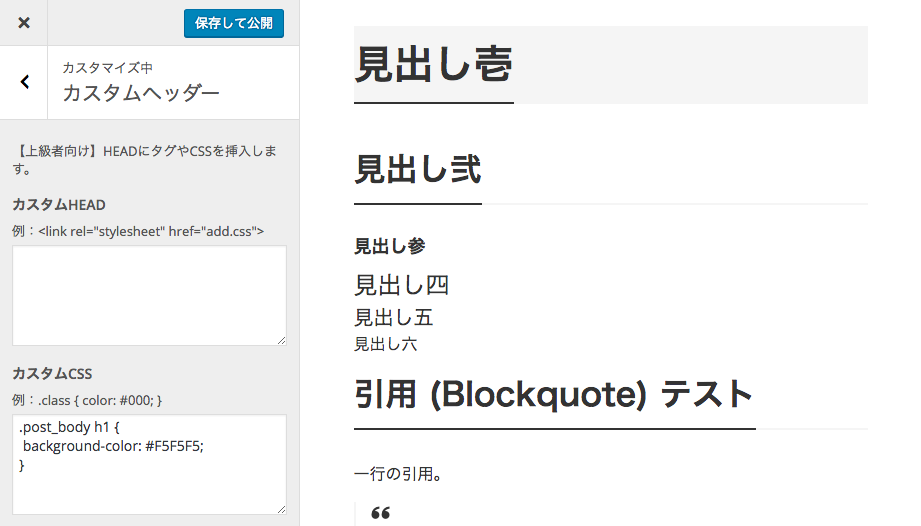
CSS example
.post_body h1 { background-color: #F5F5F5; }
After entering the CSS, we could confirm the changes in the preview.
Click "Save & Publish" and you're done.
CSS Classes for Blocks
For how to add CSS classes in the block editor, please see here.How to Customize with External CSS
To add and load an external CSS file,configure from Admin screen > Appearance > Customize > Custom Header > Custom HEAD.
Custom HEAD
Loading additional CSS
<link href="/css/add.css" rel="stylesheet">
Note that Custom HEAD also lets you add JavaScript and META tags.
Customization Methods Other Than CSS
For customizing template files, see How to create a child theme.Open Development Status
For LIQUID PRESS, we publish our template development status and change history on GitHub.By developing openly, we aim to make it easier to receive contributions from the community and to give feedback to our users.
https://github.com/lqdjp/liquid-press/issues
LIQUID PRESS
 » Unlimited Plan
» All Themes
» Unlimited Plan
» All Themes