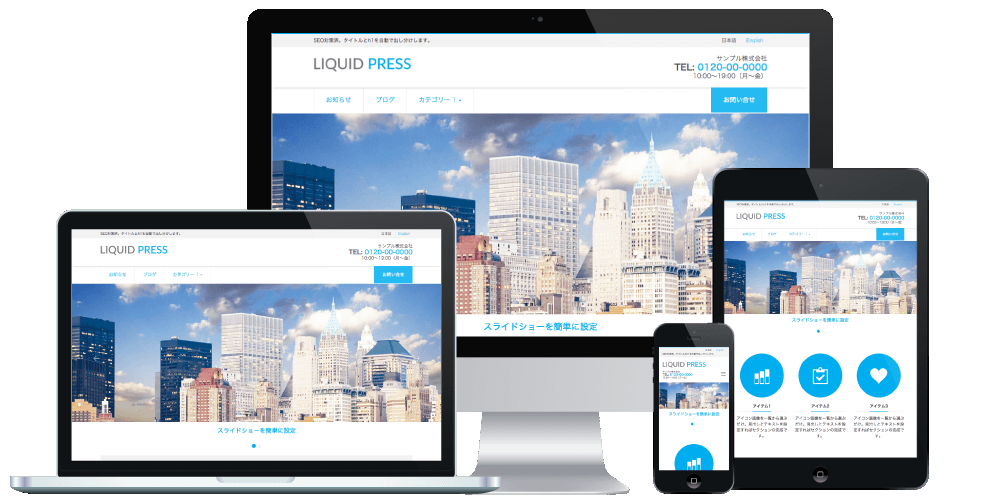
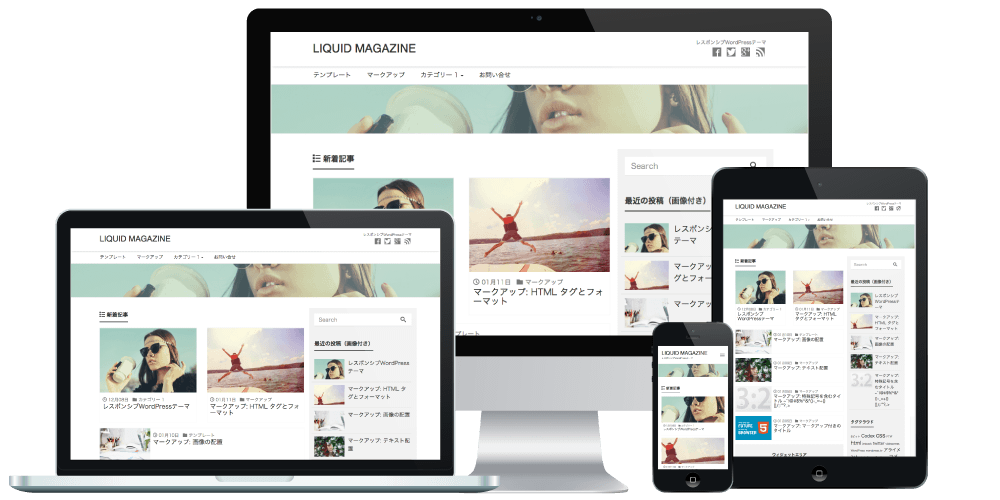
With LIQUID PRESS themes, you can easily add the new ad code.
The code you add here is also carried over without issue when you upgrade the theme.
Applicable Themes
The LIQUID PRESS series*Excluding LIGHT
What Are Page-Level Ads?
They are a new AdSense mobile ad format. There are anchor ads and mobile full-screen ads.
- Anchor ads: ads fixed to the bottom of the page
- Mobile full-screen ads: ads displayed across the whole screen during page transitions
Both are formats with high revenue potential. Until now, some of you may have used other ad systems in order to run fixed-position ads, but from now on you can run fixed-position ads with AdSense as well.
Page-level ads do not count toward the maximum number of ads per page.
Also, since ads are said to be served only alongside highly relevant content, the user experience has been taken into account.
How to Set Up Page-Level Ads
The AdSense Admin Screen
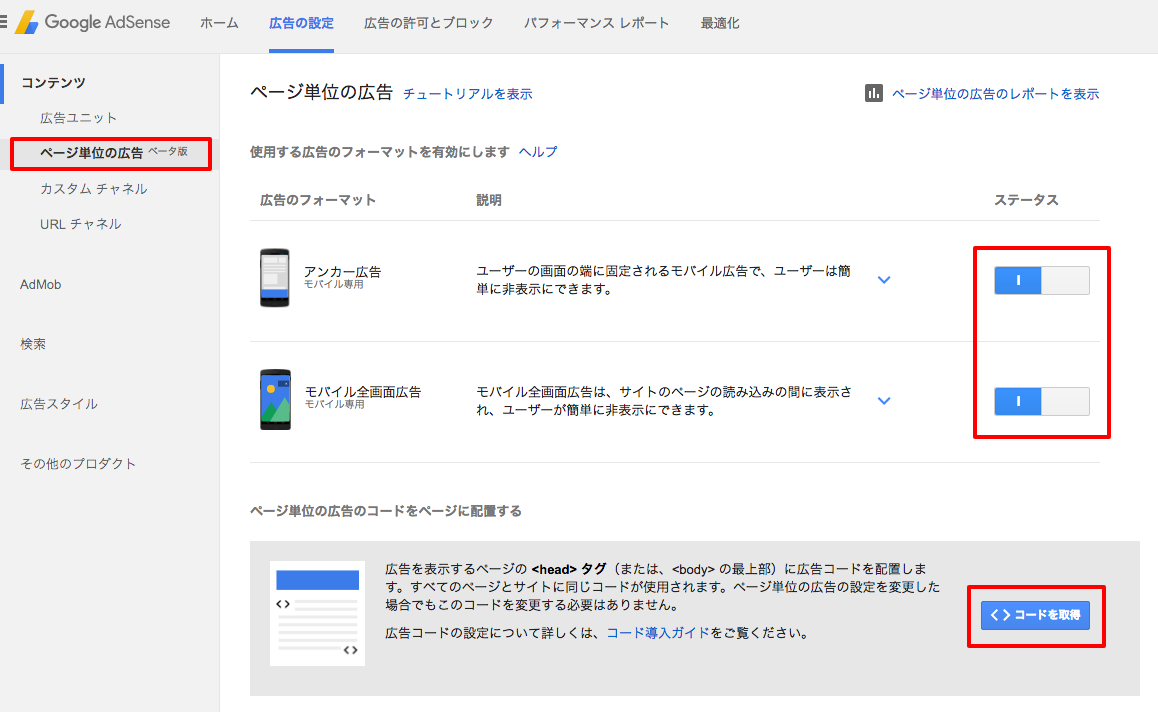
To display page-level ads, you need to obtain the ad code.
From Admin screen > Page-level ads, change the status of anchor ads, mobile full-screen ads, or both
to active, and then click "Get code".
The WordPress Admin Screen
Insert the code from Admin screen > Appearance > Customize > Custom Header > Custom HEAD.
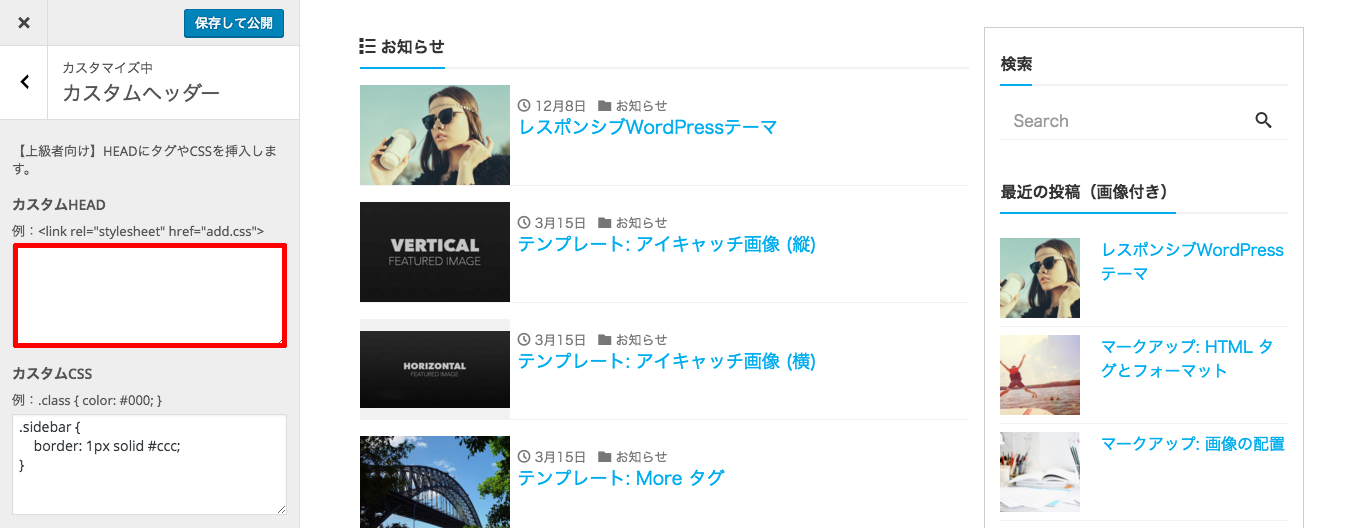
Enter the code in Custom HEAD and click "Save & Publish".
Running a Test
Append #googleads to the end of your site's URL and access it from a mobile device.
If the ad is displayed, you're all set.
Open Development Status
For LIQUID PRESS, we publish our template development status and change history on GitHub.By developing openly, we aim to make it easier to receive contributions from the community and to give feedback to our users.
https://github.com/lqdjp/liquid-press/issues
LIQUID PRESS
 » Unlimited Plan
» All Themes
» Unlimited Plan
» All Themes