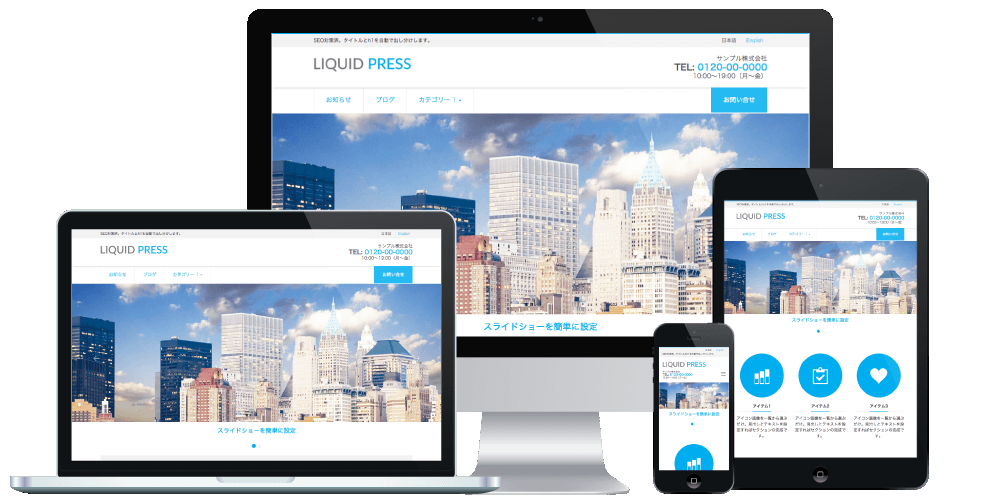
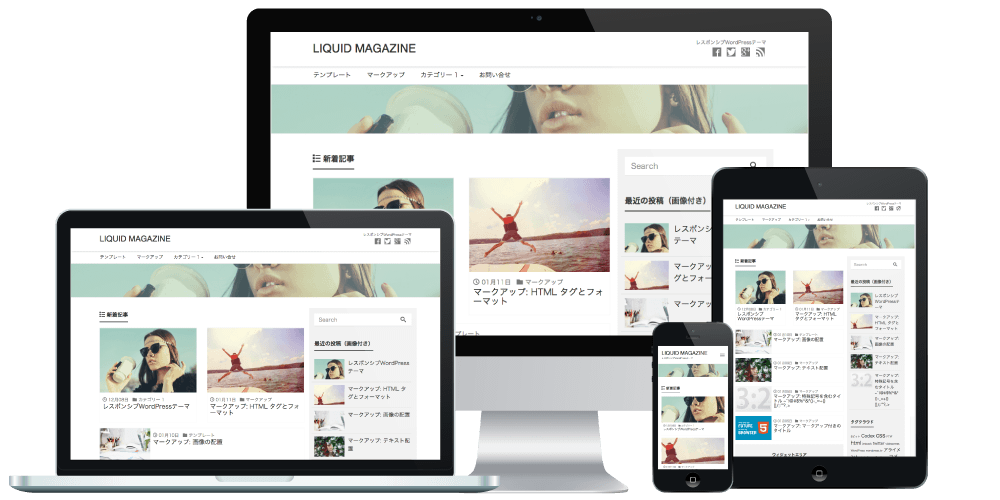
To commemorate the first anniversary of the LIQUID PRESS launch, we have released new features including mobile/desktop display switching for widgets, widget column settings, and header videos.
Widget Mobile/Desktop Display Switching
Exclusive Feature Device-based display switching is now available for all widgets!Device display settings (mobile only or desktop only) can be configured for each individual widget. This allows you to display different widgets on smartphones and desktop computers.
By creating a mobile-only layout, you can also accommodate the Mobile-First Index (MFI) announced by Google*. Combined with LIQUID PRESS Responsive Plus, this provides powerful support for mobile compatibility.
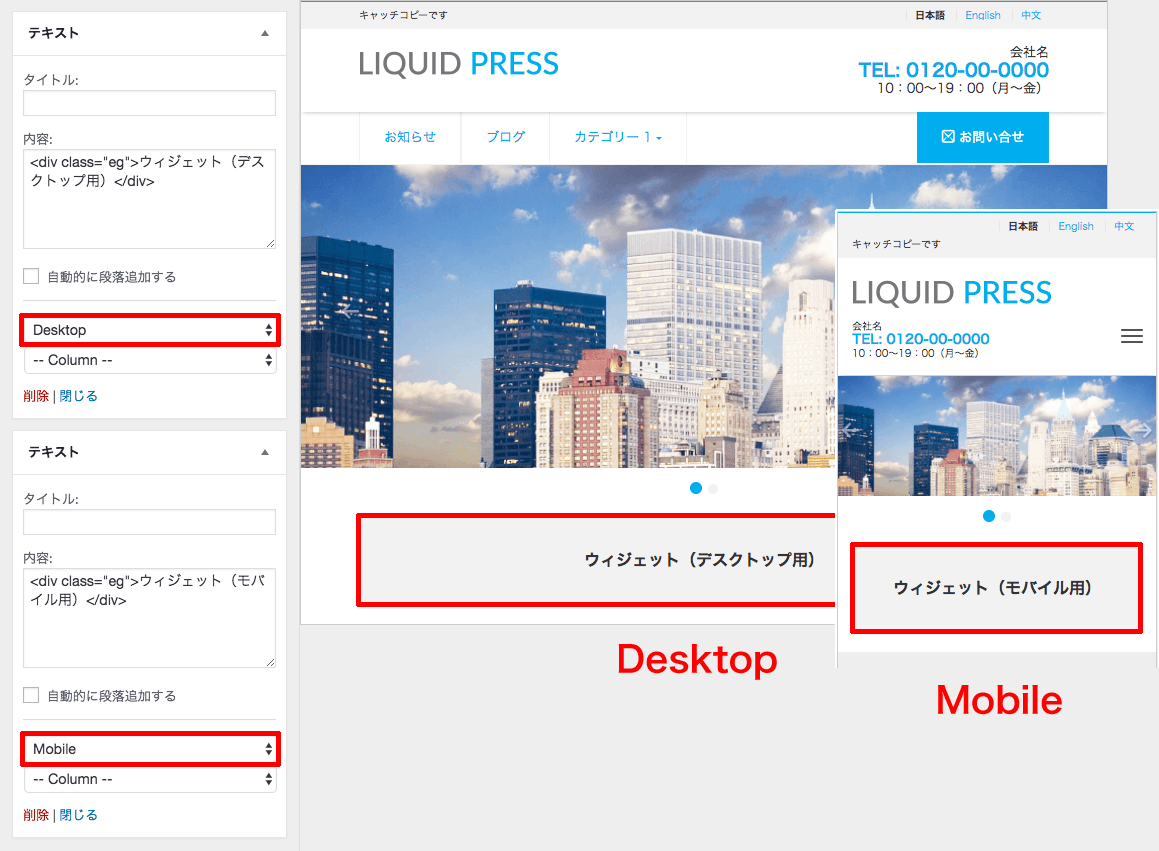 No need to edit plugins or templates! Easy to configure from the admin dashboard.
How to Use
WordPress Dashboard > Appearance > Customize > Widgets, or Appearance > WidgetsSelect Mobile (mobile only) or Desktop (desktop only).
Supported themes: Premium themes
*By default, switching is based on the device screen size, but you can also enable UA (user agent) detection from Appearance > Customize > Options.
*Display switching may not be supported for widgets from third-party plugins.
*If you do not need this feature, you can disable it from Appearance > Customize > Options.
Widget Column Settings
Exclusive Feature Column settings are now available for all widgets!Each widget can be set to display in 1 to 4 columns. You can customize your site layout freely. In addition, by combining this with the widget device display switching feature, you can easily configure settings such as changing the number of columns between smartphone and desktop, all from the admin dashboard.
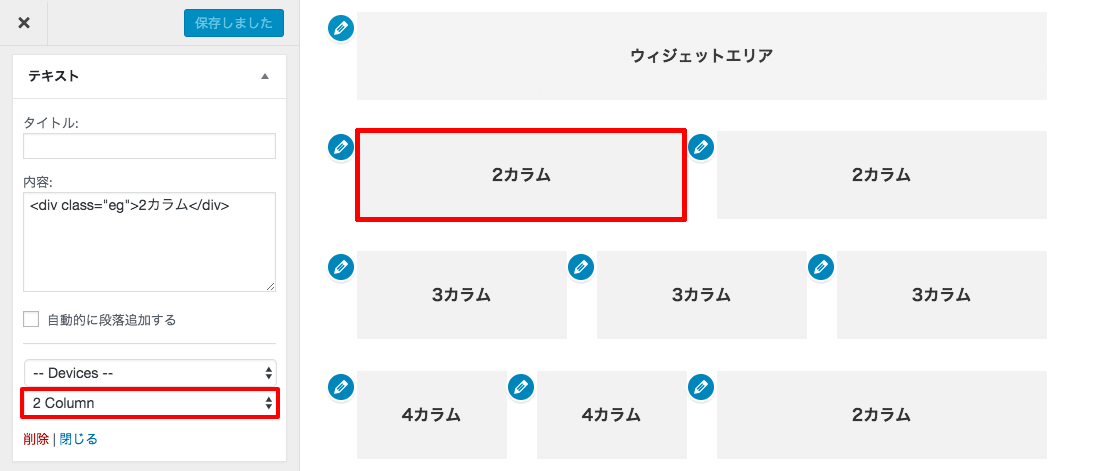 You can even display 4 columns x 2 alongside 2 columns. Complex layouts are easy to configure with live preview.
How to Use
WordPress Dashboard > Appearance > Customize > Widgets, or Appearance > WidgetsFor each widget, select from 1 Column to 4 Column.
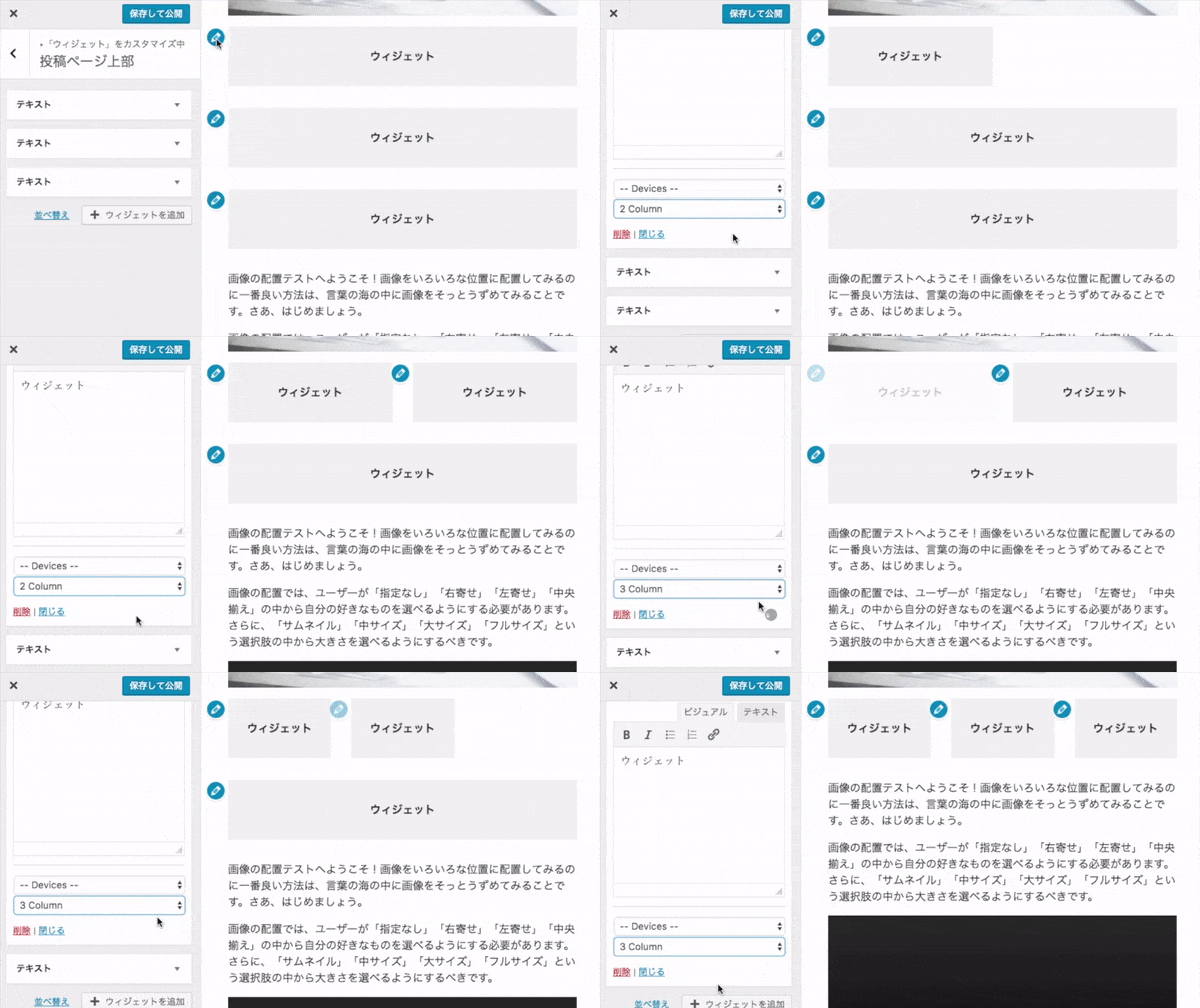
Supported themes: Premium themes *The LIGHT theme is not supported.
*Column settings may not be supported for widgets from third-party plugins.
*If you do not need this feature, you can disable it from Appearance > Customize > Options.
Header Video Support
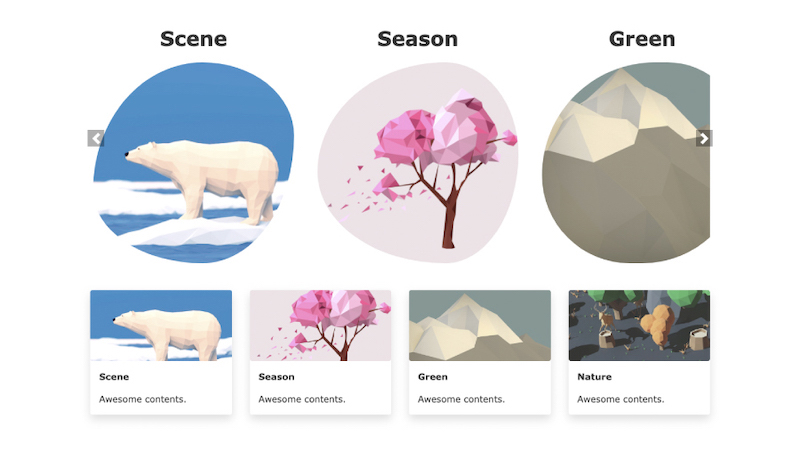
You can now display MP4/WebM or YouTube videos!This means you can now set a still image, slideshow images, or a video in the top page header, greatly expanding your header design options.
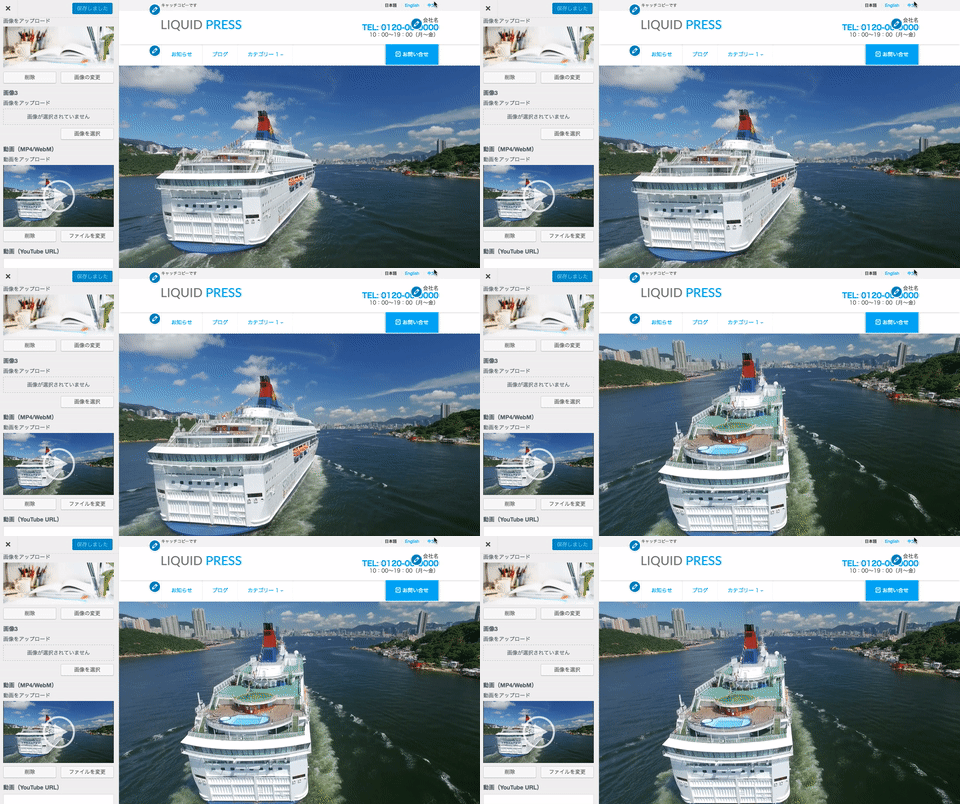
How to Use
WordPress Dashboard > Appearance > Customize > Slideshow Images/VideoContent is displayed in the following order of priority: MP4/WebM, YouTube, slideshow images. If a video is set, the slideshow will not run.
Supported themes: Premium themes
*On smartphones, slideshow images are displayed instead of video in consideration of data usage.
Editing Shortcut Support
Shortcut icons are now displayed during live preview in the Customizer!Since you can click a shortcut to edit right away, there is no need to search for widget areas and the like. You can customize your site faster than ever before.
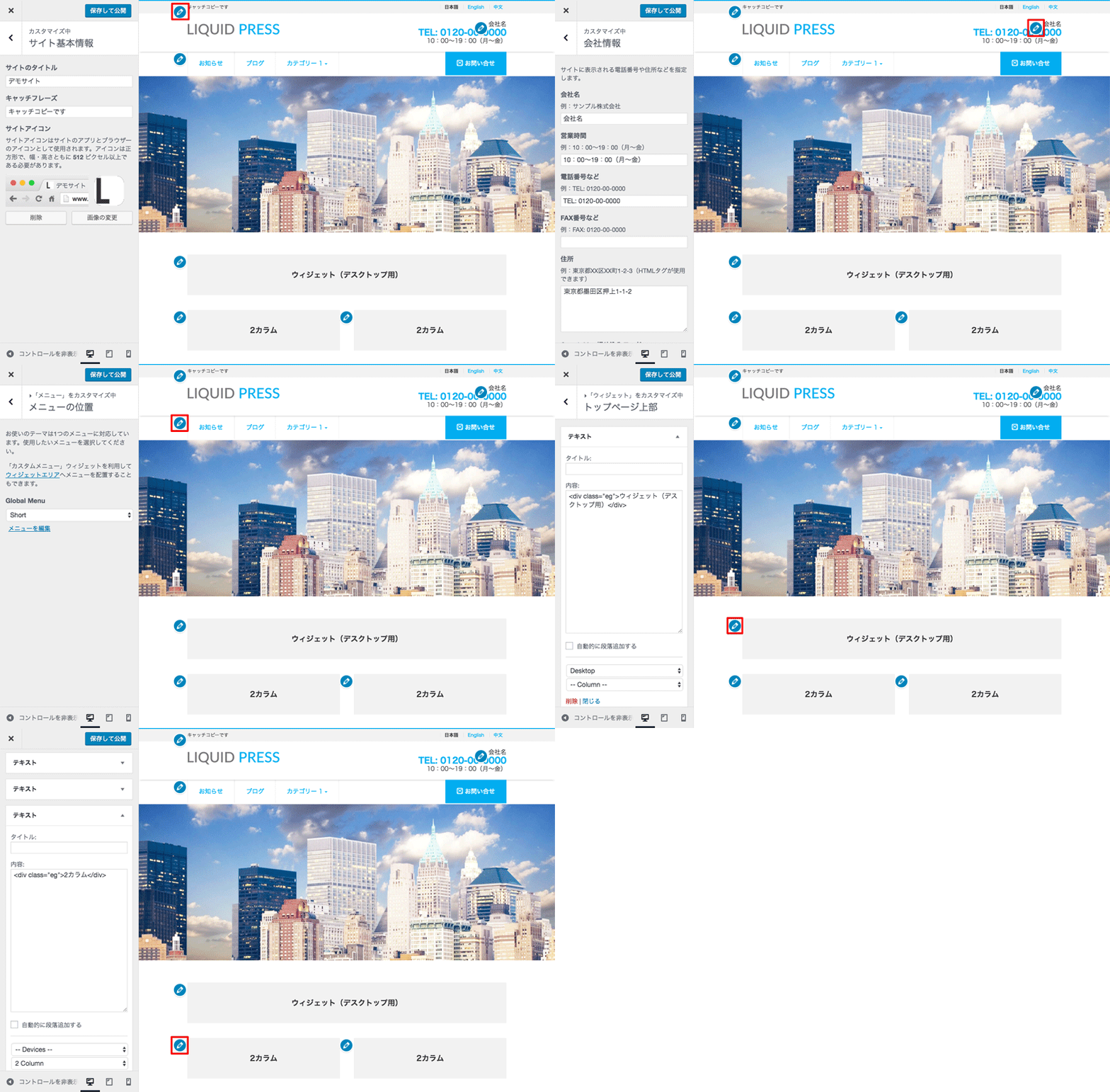 Supported themes: Premium themes
*This feature requires WordPress 4.7 or later. Some areas may not display shortcuts.
WordPress User Manual
Exclusive Feature You can now access the WordPress user manual from the admin dashboard!This is a PDF file created by LIQUID PRESS that explains topics such as how to create post pages. Even WordPress beginners can operate their site with confidence.
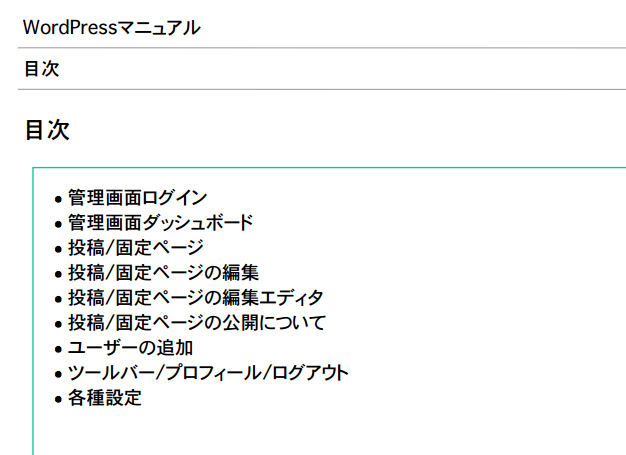 WordPress Dashboard > Appearance > Theme Support
Supported themes: Premium themes *Not available in the trial version.
Other New Features
- Added widget areas
Added Headline (top of page, ideal for alerts and similar), Page Header (below the menu, displayed wide), and Archive Top/Bottom. *The former Main area has been renamed Post Page. - Added SEO settings (META tag settings, etc.)
- Added Custom SNS (free entry) to social accounts *The LIGHT theme is not supported.
- Added a setting to enable/disable infinite scroll *This is a feature of the MAGAZINE, SMART, and PORTFOLIO themes.
- Extended the Content Analysis Beta feature to static pages *This is a feature of the INSIGHT, MAGAZINE, and SMART themes.
- Extended the multilingual support feature to subdomains *This is a feature of the CORPORATE theme.
- And more
Release Notes
LIQUID PRESS publishes its development history on GitHub. Please see below for details.LIQUID PRESS v0.9.6.1 Milestone
Version Containing the New Features
LIQUID PRESS Premium themes: v0.9.6.1 (light: v0.9.9.6.1)How to update: You can update from the WordPress dashboard (manual)
We recommend creating a backup and testing in a local environment beforehand.
That is all.
Thank you for your continued support,
and we look forward to your ongoing patronage of LIQUID PRESS.
LIQUID PRESS
 » Unlimited Plan
» All Themes
» Unlimited Plan
» All Themes