Free and listed in the official WordPress directory
Free downloadOr search for speech balloon in the WP admin screen
NEW Featured in the book "WordPress Design and Planning: Magic Recipes"!
A WordPress Plugin for Speech-Balloon Conversations
LIQUID SPEECH BALLOON is a free, official WordPress plugin that makes it quick and easy to create conversation-style speech balloons.Compatible with the WordPress block editor and AMP.
Recommended for dialogue-driven and empathy-driven content, LPs, FAQs, review articles, and similar uses.
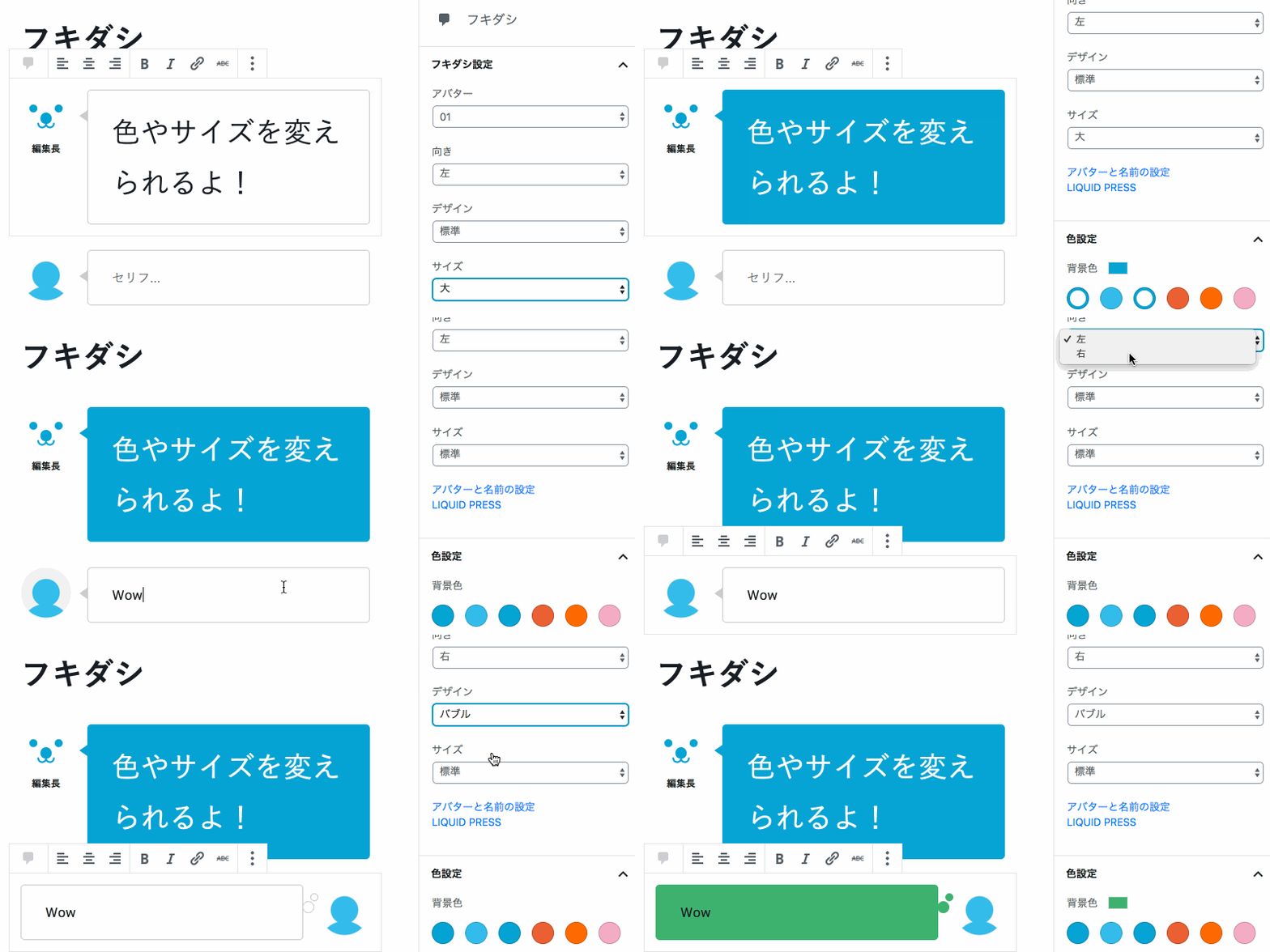 A demo of creating speech balloon blocks easily
How to Install
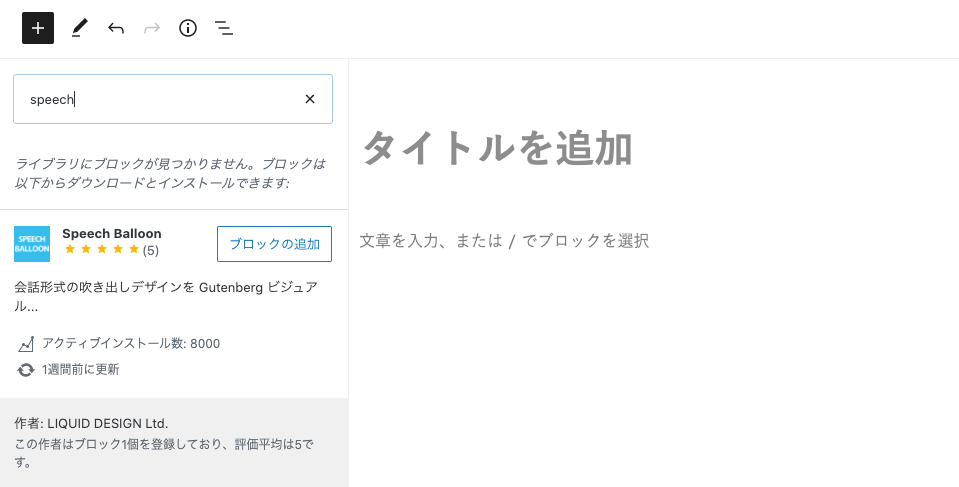
LIQUID SPEECH BALLOON is registered in the official WordPress block directory.Go to the post editing screen > Add block > search for "speech" > "Add block", and you can use it right away (WordPress 5.5 or later).
You can also install and activate the "LIQUID SPEECH BALLOON" plugin as before.
How to Create Speech Balloons (Block Editor)
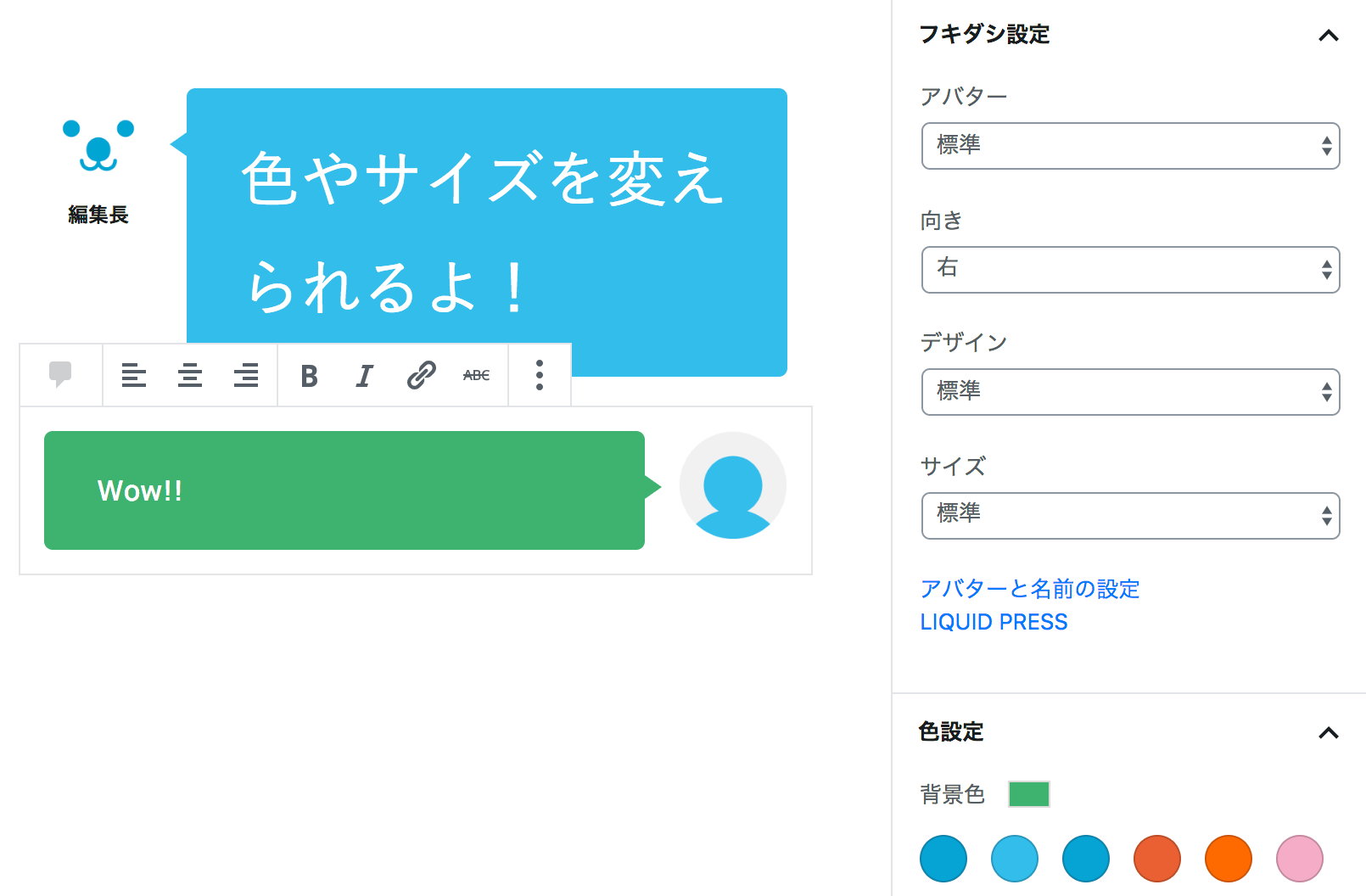
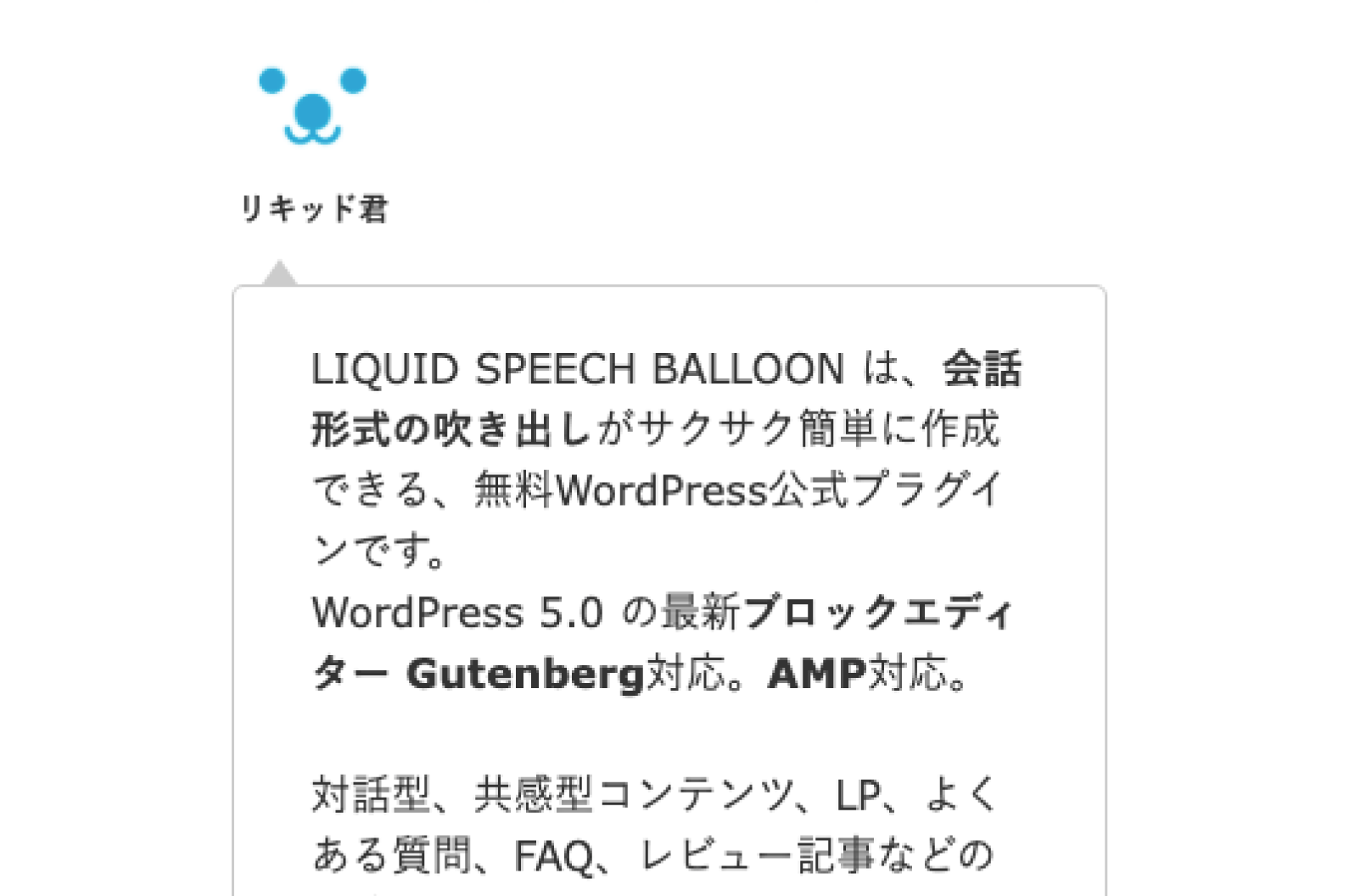
Just add the "Speech Balloon" block in a post or static page!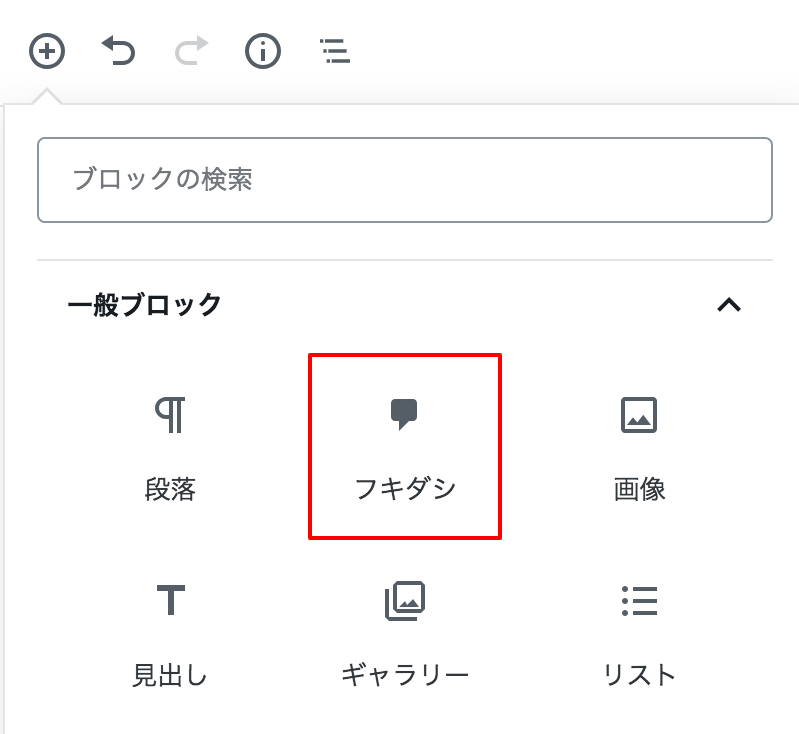 You can also select the "Add speech balloon" icon in the text input area.
 From the sidebar menu, you can easily change the avatar, direction, design, size, options, background color, and text color.
There is no need for fiddly shortcodes or any HTML/CSS code.
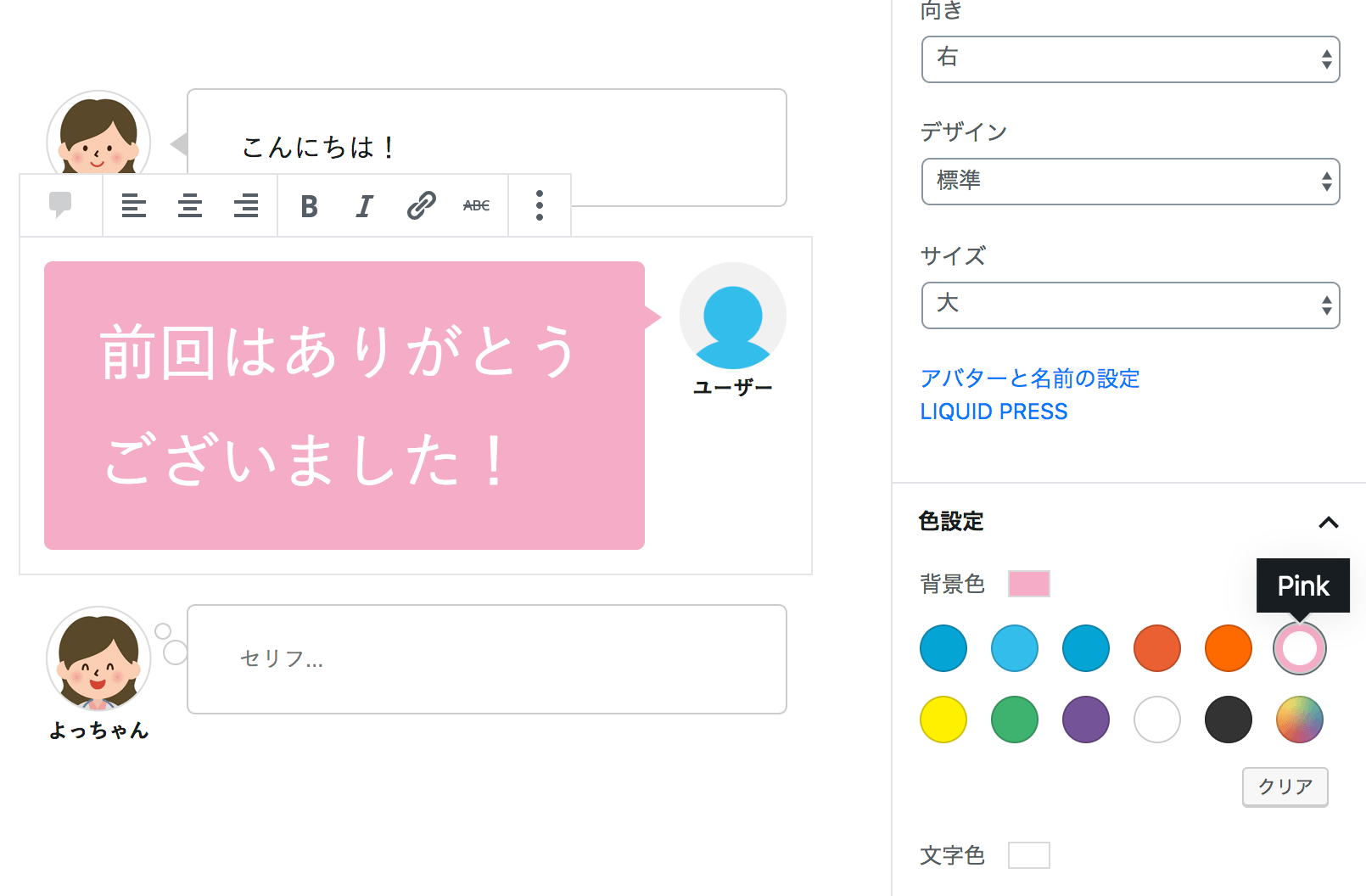
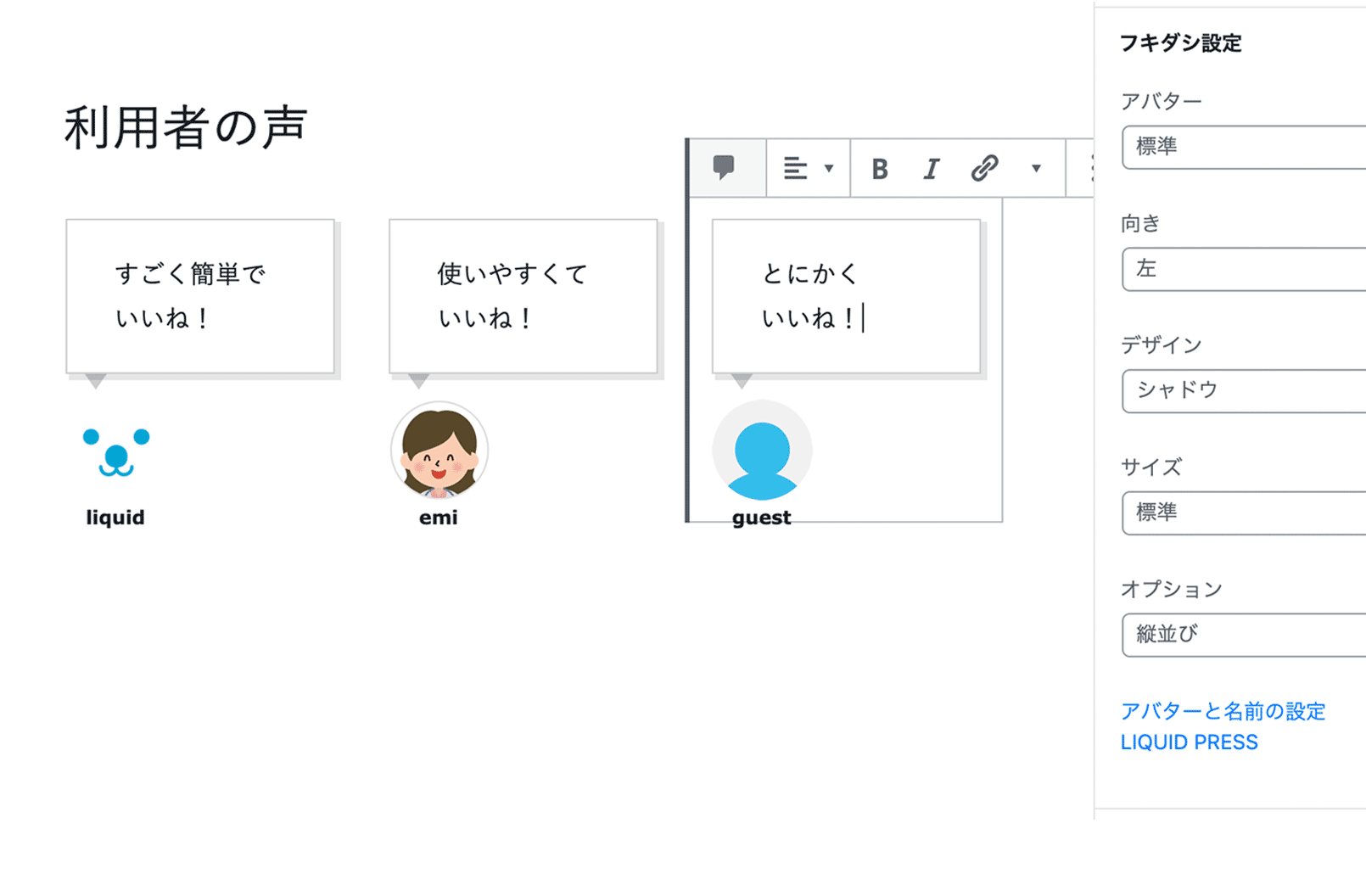
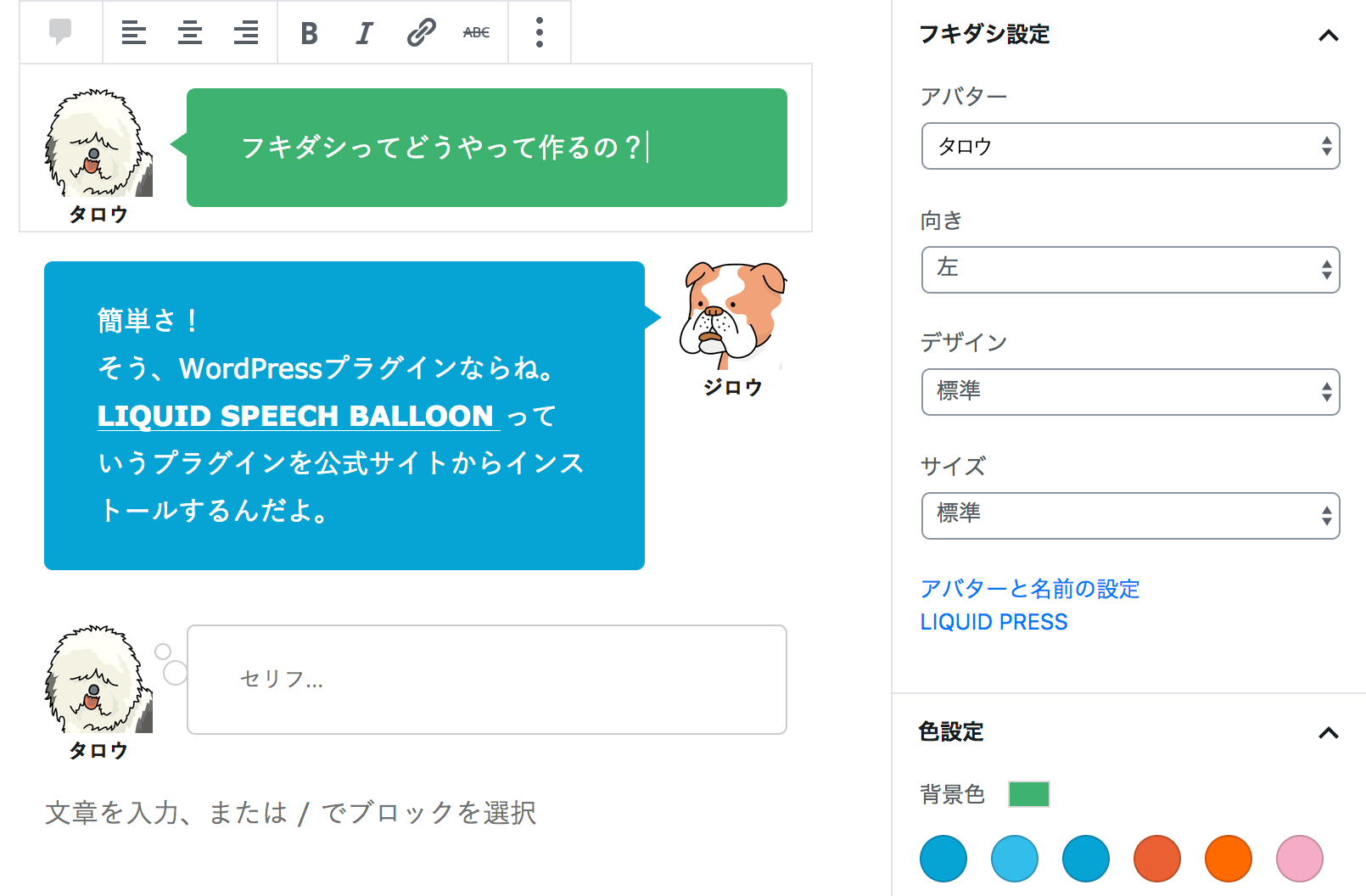 Speech balloons can also be stacked vertically - great for designs such as customer testimonials and reviews.
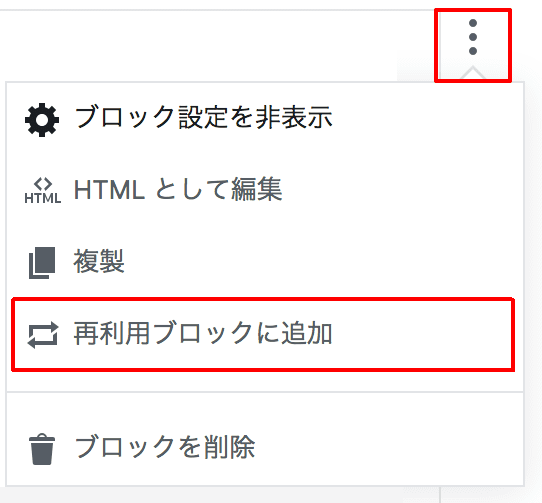
How to Configure Speech Balloon Avatars
You can register speech balloon avatars in advance.1. Configure them from the "Avatar and name settings" link in the editor, or from WordPress Admin > Settings > LIQUID SPEECH BALLOON.
2. Specify the speech balloon avatar's "name" and the icon's "image URL", then click "Save Changes".
3. After configuring speech balloon avatars, reload the post editing screen if you have it open.
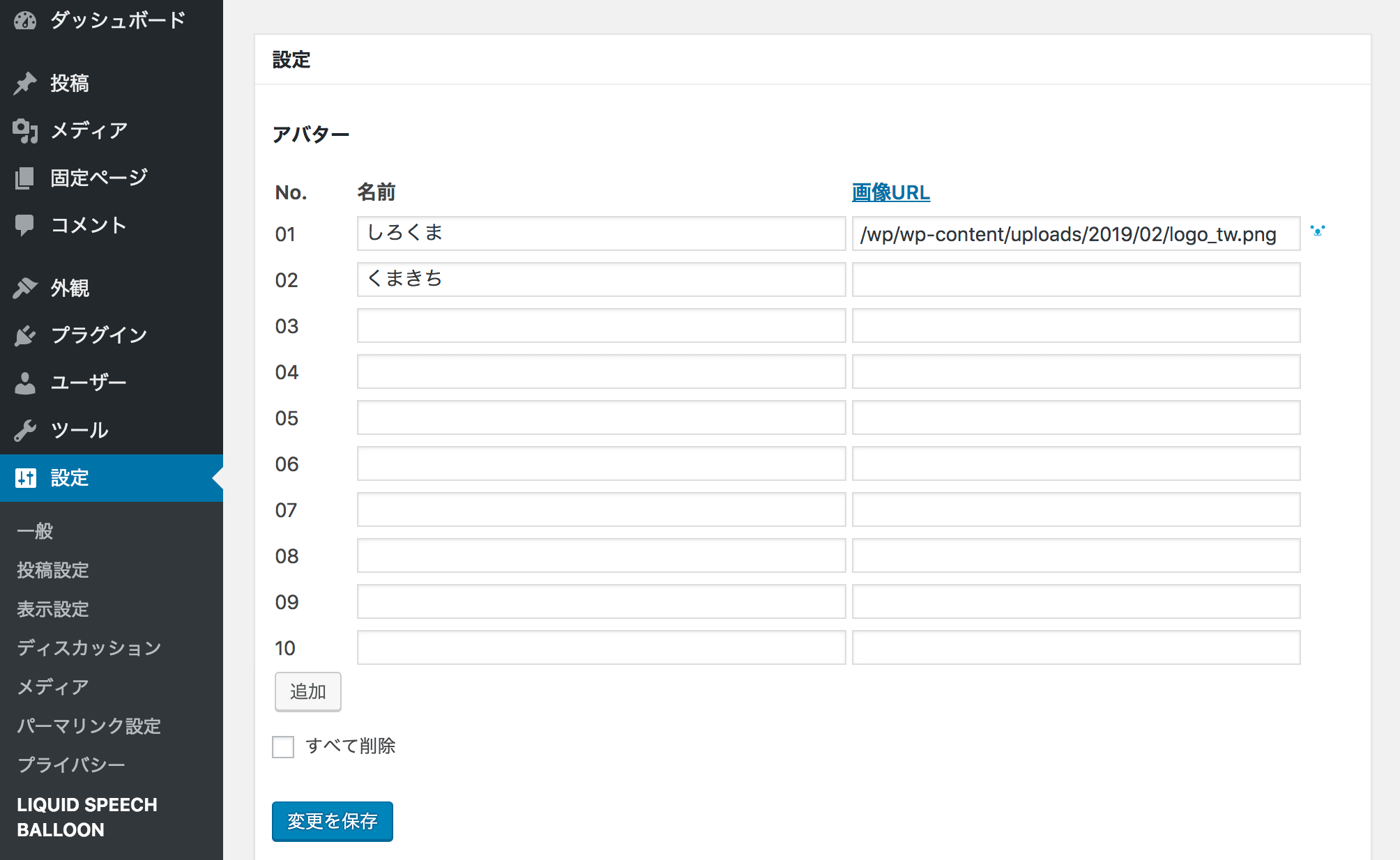 Clicking the "Add" button increases the number of avatar slots beyond 10. You can add as many avatars as you need.
Checking "Delete all" and clicking "Save Changes" deletes all registered entries.
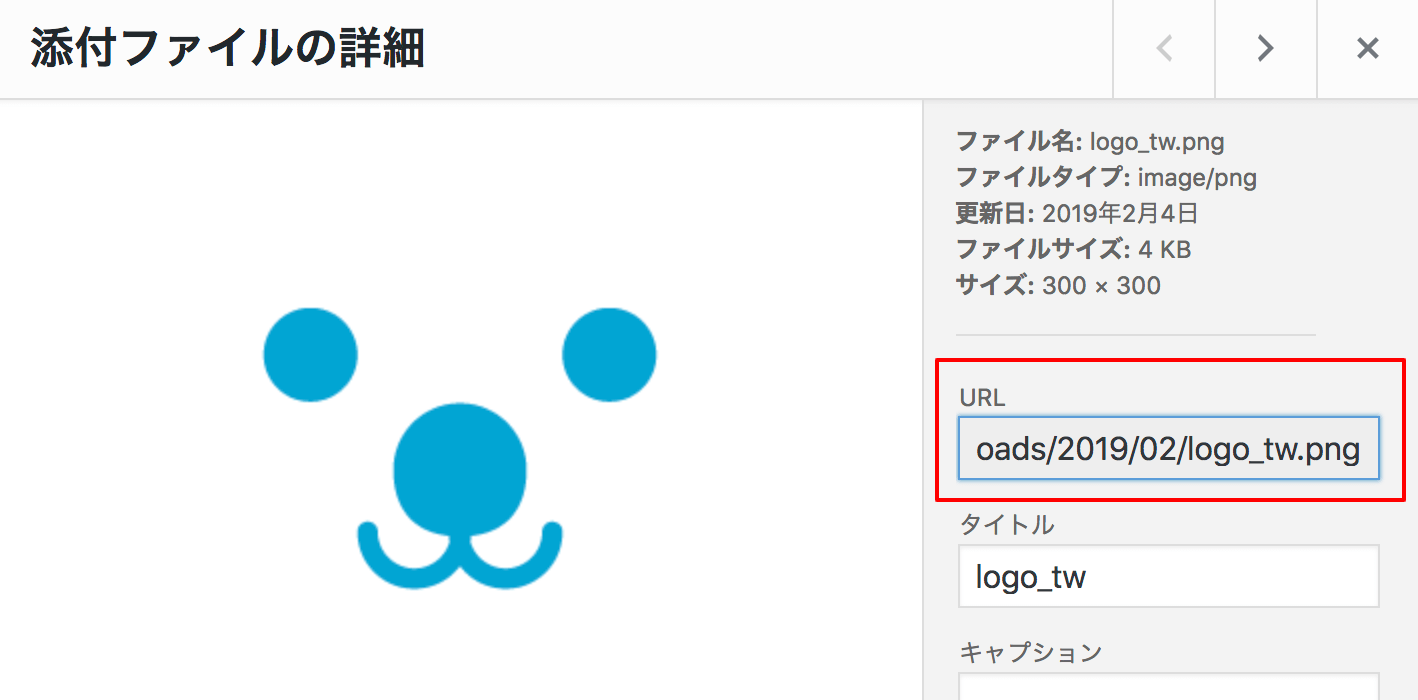
Upload the icon image of the person speaking from "Media", and check the image URL under "Details".
Because it is an image, you are free to design it however you like: with or without a border, round, square, and so on.
You can also specify a base64 data code, "data:image/png;base64,...", as the image URL.
Feature List
- Avatar: icon image, name, note
- Speech balloon direction: left, right
- Design: standard, bubble, square, dashed, shadow, borderless
- Size: standard, small, large
- Options: standard, short, vertically stacked
- Background color, text color
- Internationalization support
- AMP support
Major Updates
- v1.2.2: Added a "Note" setting.
- v1.2.1: Added support for WordPress 6.2.
- v1.1.9: Added support for WordPress 5.9.
- v1.1.6: Added an option (vertically stacked, reversed).
- v1.1.4: Speech balloon avatars can now be configured with editor-level permissions.
- v1.1.0: Fixed an issue where the speech balloon's arrow appeared square. Please also see the FAQ.
- v1.0.9: Compatible with AMP.
- v1.0.7: Fixed a security issue related to input in the settings form.
- v1.0.6: Added a design (borderless).
- v1.0.5: Added designs (square, dashed, shadow) and options (short width, vertically stacked).
- v1.0.4: More than 10 avatars can now be registered.
Frequently Asked Questions

The speech balloon's arrow appears square?

Please update to v1.1.0 or later and try the steps below.
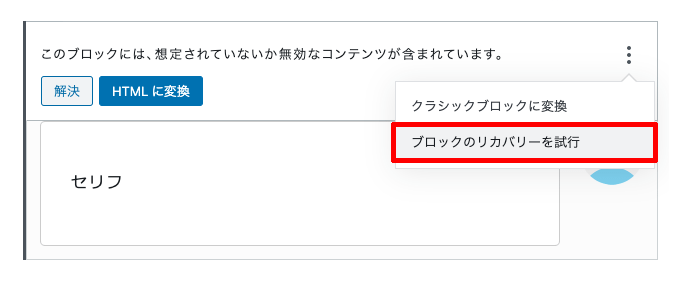
I see the message "This block contains unexpected or invalid content".
Please try selecting the block > Advanced > "Attempt block recovery".
Gutenberg Block Templates
Be sure to also try "LIQUID BLOCKS", a block template plugin that makes it easy to create designs beyond speech balloons.
Depending on the theme you use, speech balloons may look different.
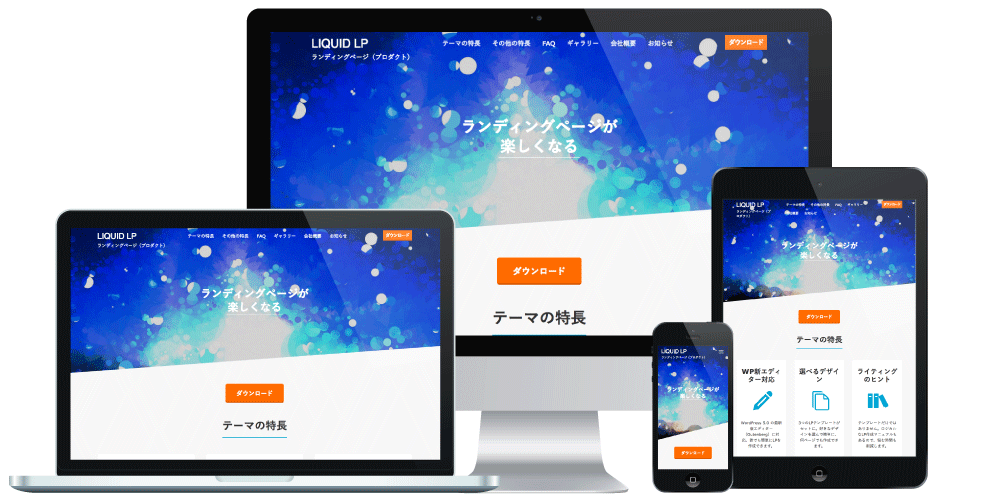
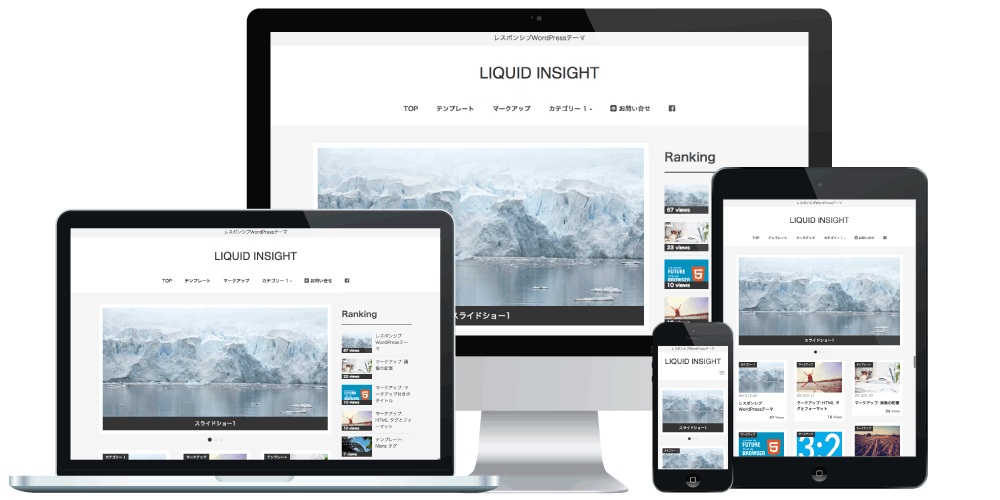
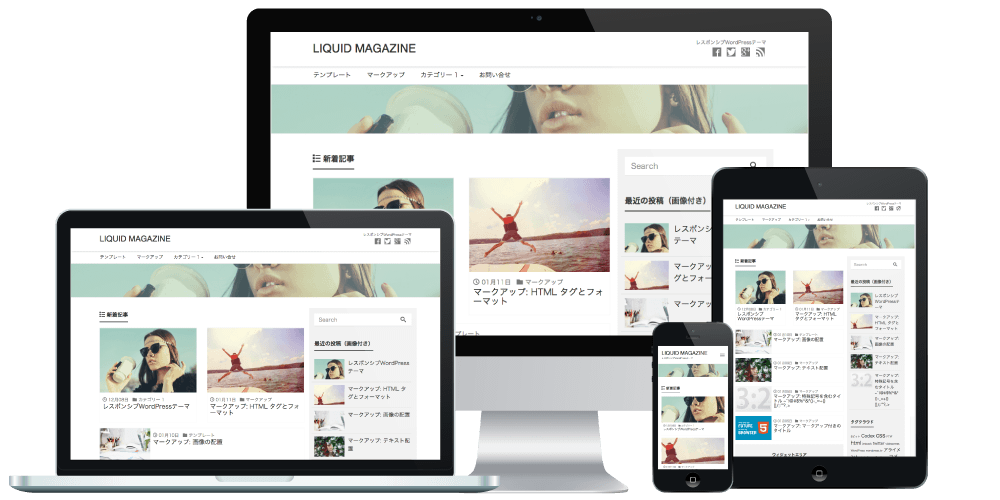
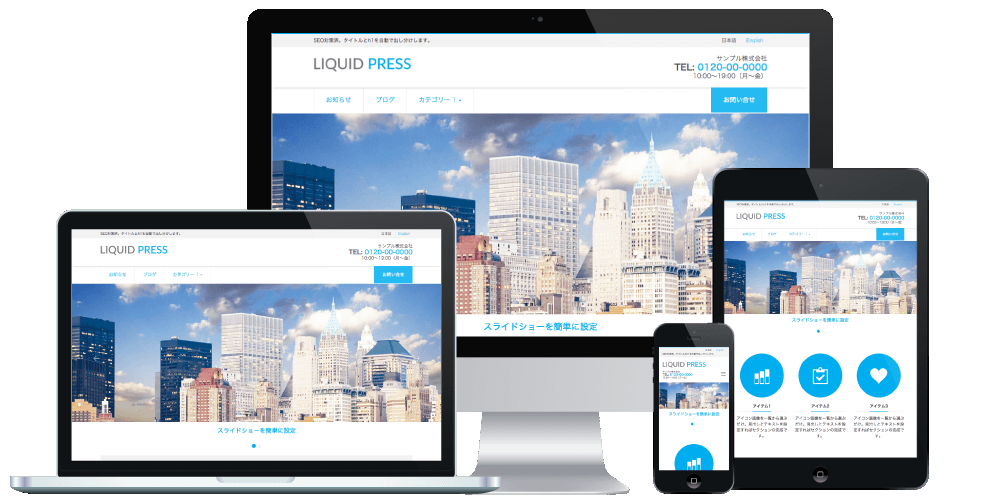
We recommend the LIQUID PRESS series of themes for use with this plugin.
Please share your impressions and requests on Twitter with the hashtag #liquidpress!
And please follow @lqd_jp too!
| LIQUID SPEECH BALLOON: A WordPress plugin for speech-balloon conversations | |
|---|---|
| Price | Free |
| Specifications | Official WordPress plugin, block directory |
| License | GPL (commercial use permitted, copyright notice may be removed, no limit on the number of installations) |
| System Requirements | WordPress 5.0 or later, block editor |
| Support | - |
Free download
Or search for LIQUID SPEECH BALLOON in the WP admin screen