Here we introduce how to create and edit translation files for WordPress themes.
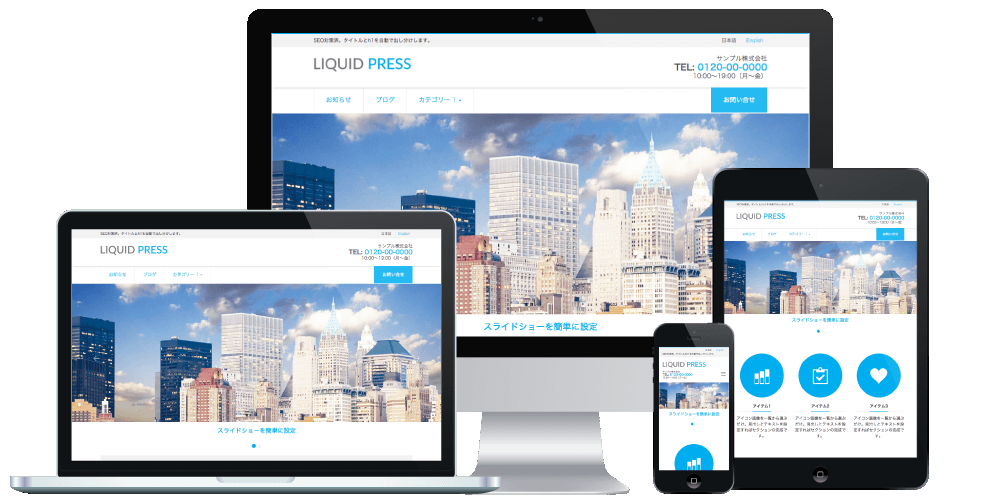
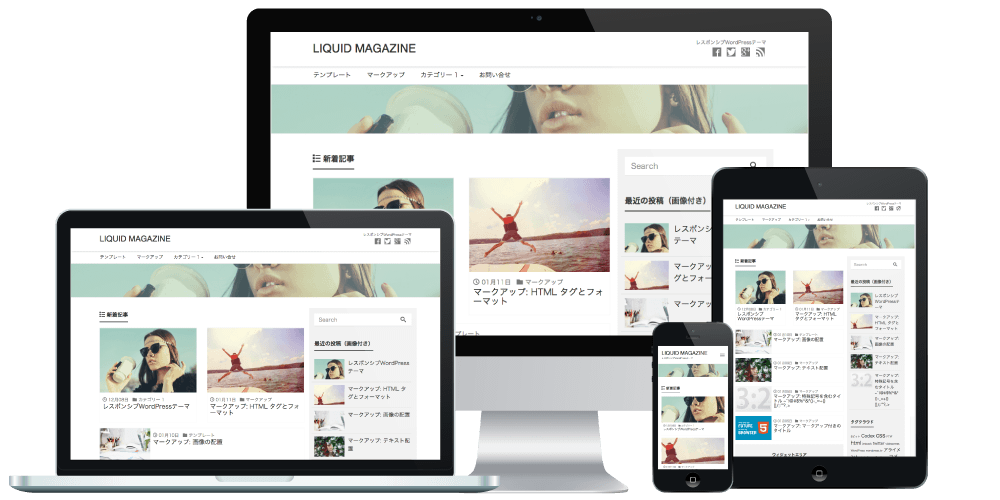
LIQUID PRESS series themes support multilingual use (internationalization / i18n).
Applicable Themes
Downloading Poedit
To create and edit translation files, we use software called "Poedit" (free).
Download it from the official site and install it.
Available for Mac, Windows, and Unix/Linux.
There is also a paid version, but translation files can be edited with the free version.
About Translation Files
Japanese and English are supported by default.
Location
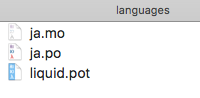
Translation files are stored in the theme's "languages" folder.
Example: liquid-corporate/languages
Structure
- .pot: translation template file
- .po: translation file (for editing)
- .mo: translation file (read-only)
Specifications
The translation file corresponding to Dashboard > Settings > General > Site Language is applied.
Text within the theme is written in English.
Translation file names use the corresponding language code
for that language.
Example for Japanese: ja.po, ja.mo
How to Use Poedit
Editing a Translation File
Open the .po file in Poedit and edit it.
Enter the text in the "Translation" field in the corresponding language.
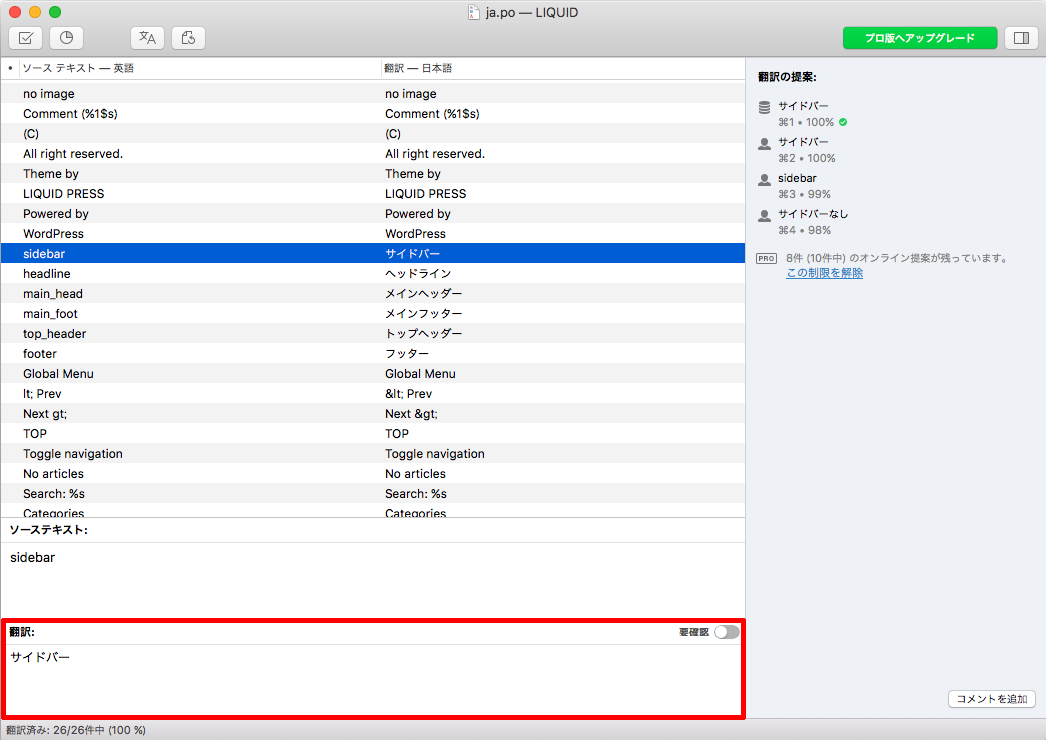 When you have finished editing the translation, save it.
The .mo file is then created or updated automatically.
Creating a New Translation File
Create a new file when adding a language other than Japanese or English.
Open the .pot file in Poedit, click "Create new translation", and select the language to translate into.
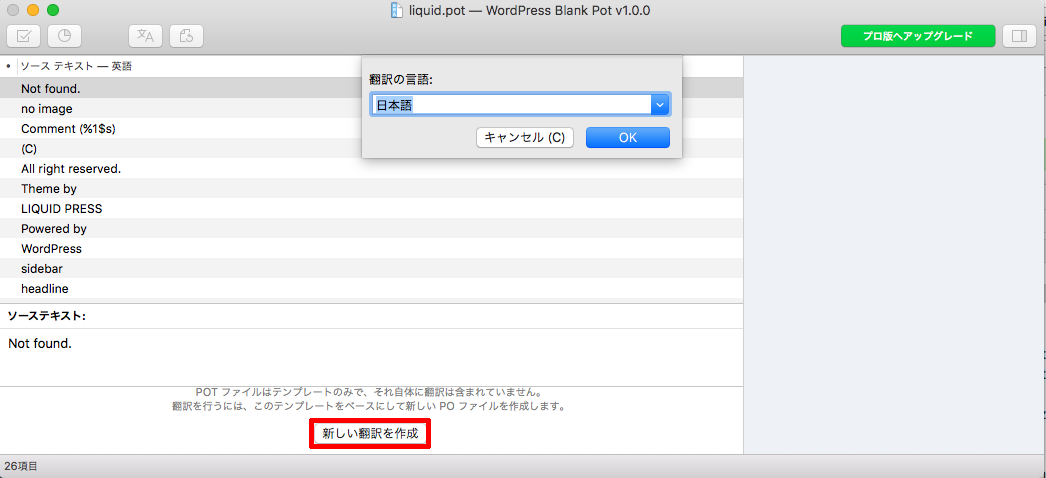 Clicking "OK" takes you to editing the "Translation" field.
Uploading Translation Files
Upload the updated translation files (.po, .mo).
We recommend uploading to the "languages directory", where your changes are retained even when the theme is updated.
Languages Directory (Recommended)
Example upload destination: /wp-content/languages/themes/Translation file names: liquid-corporate-ja.po, liquid-corporate-ja.mo
*Translation file names must follow the form {theme-name}-{language-code}.extension.
Theme Directory
Example upload destination: /wp-content/themes/liquid-corporate/languagesTranslation file names: ja.po, ja.mo
*When modifying theme files, we recommend creating a child theme.
Please Note
*Please note that customization falls outside the scope of our support.
LIQUID PRESS
 » Unlimited Plan
» All Themes
» Unlimited Plan
» All Themes