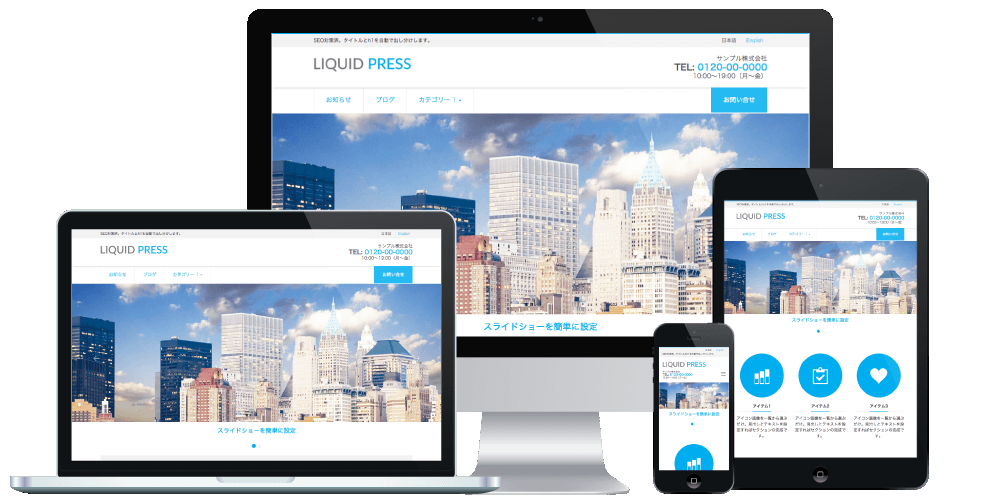
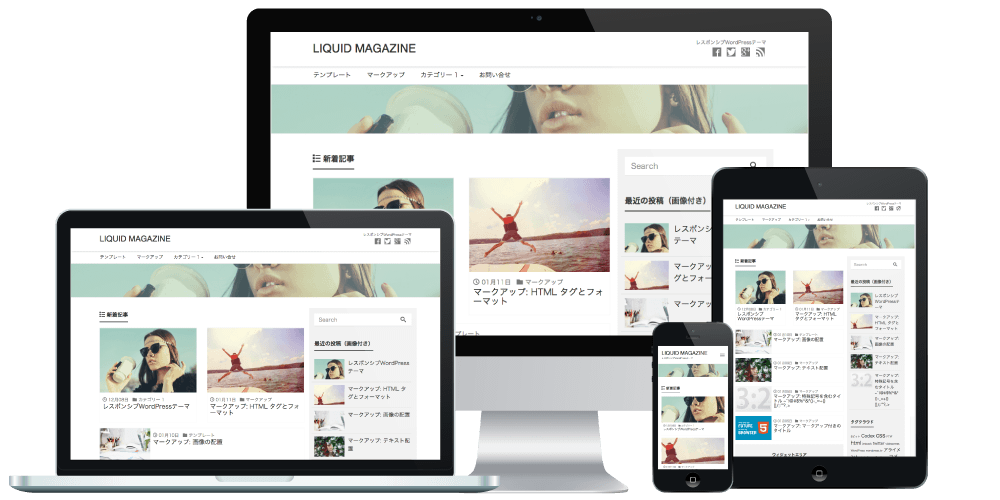
With LIQUID PRESS themes, we have verified the AMP plugin.
Applicable Themes
- The LIQUID PRESS series
What Is AMP?
AMP (Accelerated Mobile Pages) is a technology announced by Google for delivering content optimized for mobile.
Traffic referrals from Google Search began in February 2016.
When you search for a trending keyword perform a mobile search, AMP-enabled pages appear in the Top Stories carousel with an AMP lightning bolt label.
- Official Google Blog: Making the mobile web faster
- It's finally here: let's try Google AMP (Accelerated Mobile Pages)!
- Yahoo! JAPAN Search announces AMP support
How to Install AMP
Install and activate AMP for WordPress.
We recommend using the official Google plugin below.
How to Configure AMP
Configure the general settings from Admin screen > AMP > General.
Template Mode
At present, Reader mode (formerly Classic) is supported.
Content Types
You can select which post types, such as posts and static pages, are AMP-enabled.
The AMP Version
When you activate the plugin, an AMP version is generated automatically alongside the normal article.
AMP pages have /amp/ appended to the end of the URL.
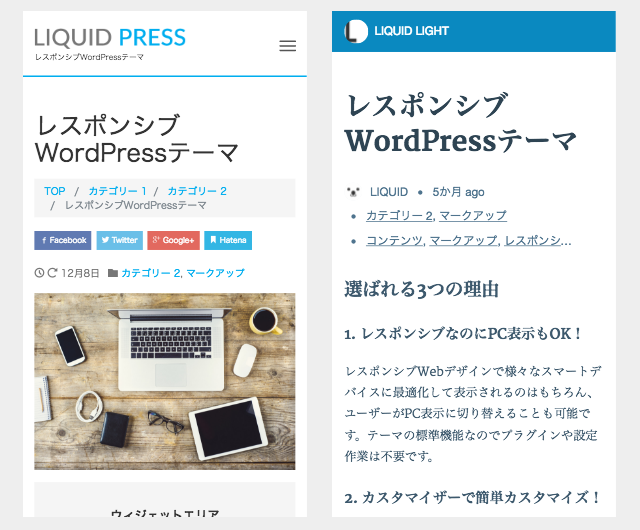
(Left: normal version, right: AMP version)
We have confirmed that the AMP version displays correctly with our themes and the plugin above.
We have also confirmed that pages appear in the Top Stories carousel when they match a trending keyword.
Not only Google search results, but also Twitter, the Hatena Bookmark app, and others have announced AMP support, and future developments are drawing attention.
Customizing the AMP Version
You can customize the design and other aspects of the AMP version.
Editing Templates
If you edit the plugin's templates directly, your changes will be reverted by updates.
Instead, by using the theme directory, your edits will be carried over after updates.
Example:
- Copy the file you want to change from .../wp-content/plugins/amp/templates/
- Paste it into .../wp-content/themes/liquid-magazine/amp/, edit it, and upload
Please also use a child theme together with this.
Google Analytics
From Admin screen > AMP > Analytics, you can set the AMP-specific Google Analytics code.
Google AdSense
Ad code can be inserted with a third-party plugin.
Please Note
*Third-party plugins and customizations are outside the scope of support. Thank you for your understanding.
*We do not guarantee the operation of plugins, and we accept no responsibility whatsoever for problems related to plugins.
*We do not guarantee that your pages will appear in Google search results.
Open Development Status
For LIQUID PRESS, we publish our template development status and change history on GitHub.By developing openly, we aim to make it easier to receive contributions from the community and to give feedback to our users.
https://github.com/lqdjp/liquid-press/issues
Related Articles
- LIQUID AMP: A responsive, fully AMP-compatible WordPress theme
- About support for Google Mobile-First Indexing (MFI)
LIQUID PRESS
 » Unlimited Plan
» All Themes
» Unlimited Plan
» All Themes