Owned Media / Blog Theme
Here we introduce how to build a WordPress owned media site and how to configure it.
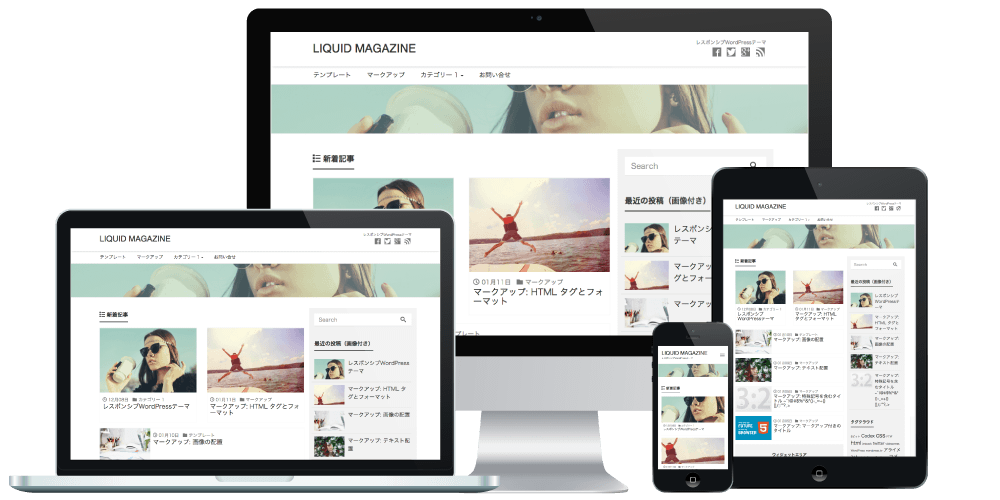
With "LIQUID MAGAZINE", a WordPress theme designed for owned media sites, you can easily configure media-related settings.
Video Manual
Top Page Display Specifications
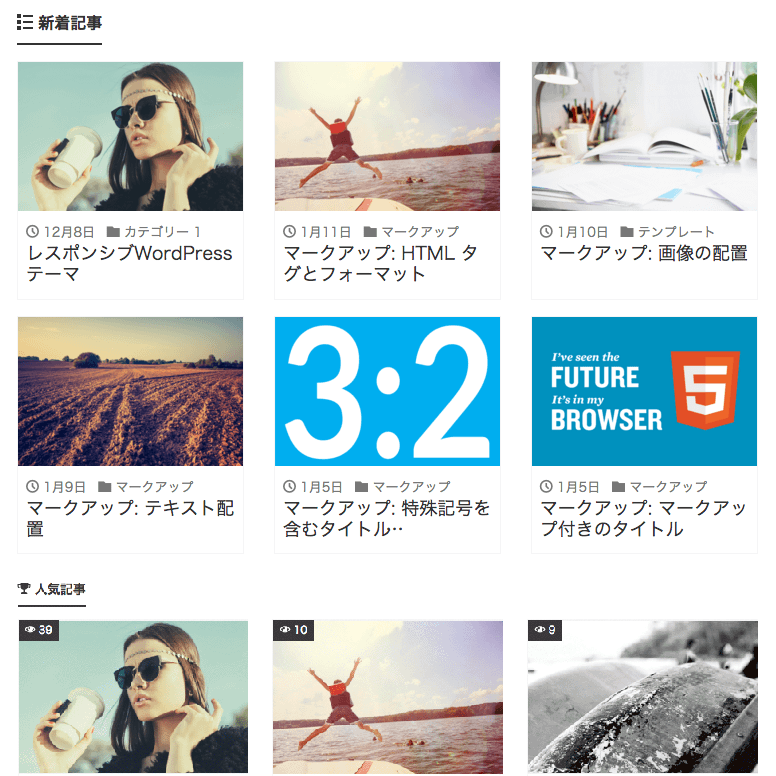
By default, 6 "Latest Posts", 4 "Popular Posts", and the "Post List" (posts after the latest posts) are displayed.*The "WordPress Popular Posts" plugin is required for automatic display of popular posts.
*The "YITH Infinite Scrolling" plugin is required for infinite scroll.
*The combined number of "Latest Posts" + "Post List" items can be configured under "Blog pages show at most".
Appearance > Customize > Layout
*To customize the top page layout, set Dashboard > Settings > Reading > Your homepage displays to "Your latest posts" and then check the result.
*If the layout settings cannot be saved, temporarily disable your server's WAF settings and try again.
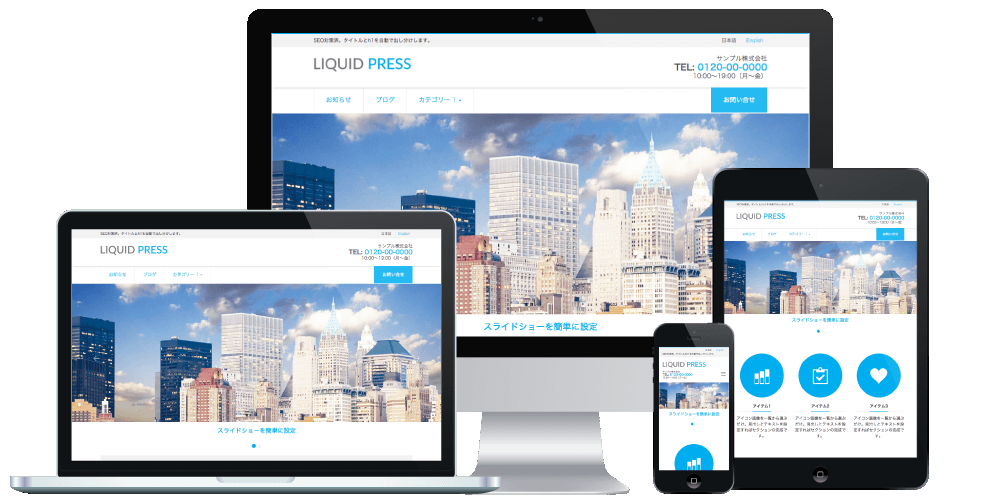
If you have newly installed WordPress core, the LIQUID PRESS sample content will be applied under Appearance > Customize.
Items that are not configured will not be displayed.
General Settings
Here we introduce settings specific to owned media sites.For general site-wide settings, please see the theme settings manual.
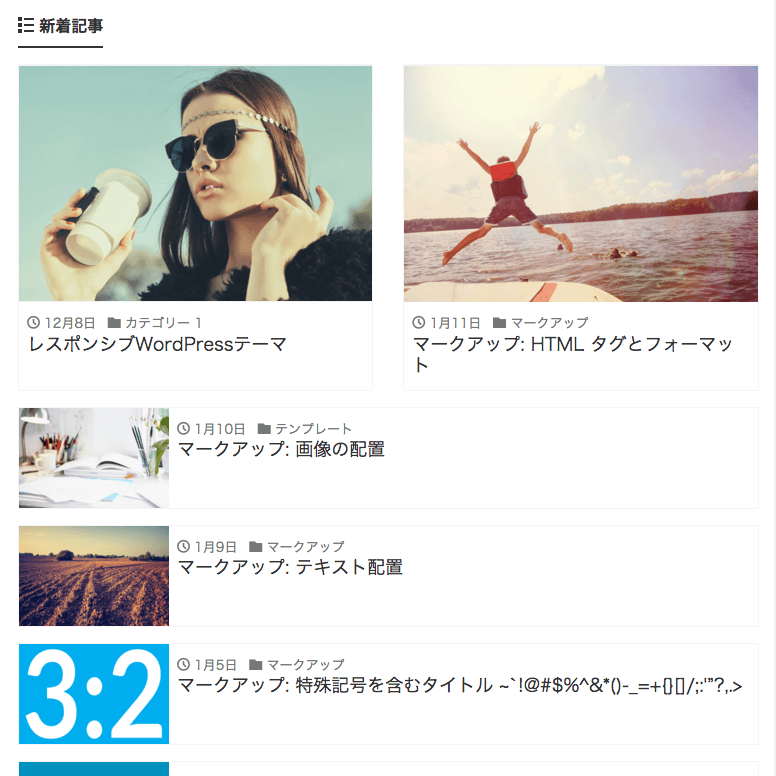
List-Type UI / Card-Type UI
You can choose between a list-type UI and a card-type UI for the layout of list displays.The list-type UI allows a layout with visual emphasis and hierarchy, while the card-type UI allows a layout that highlights featured images. You can choose whichever design you prefer to match your site's content.
| List-Type UI / Card-Type UI | |
|---|---|
|
|
Automatic Header Image Display
You can choose whether or not to automatically display header images on the top page and archive pages.Featured Image
You can choose whether or not to display the featured image within posts and static pages.Automatic Popular Posts Display
You can choose whether or not to automatically display popular posts.Popular posts are displayed in the post lists on the top page and archive pages, and on post pages. On category pages, popular posts within that category and site-wide popular posts are displayed automatically.
You can choose whether or not to display the view count for automatically displayed popular posts.
This content can also be placed as a "Popular Posts" widget.
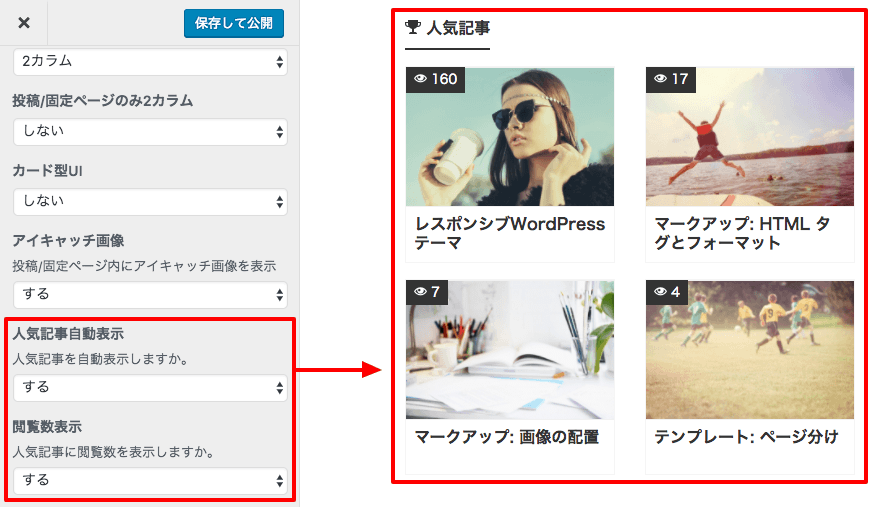
Popular Posts Widget
You can also place this as a "Popular Posts" widget. In the widget settings, you can select the target display page from the options below. You can also specify the number of columns.- Top (top page only)
- Exclude Top (all pages except the top page)
- Post (post pages only)
- Page (static pages only)
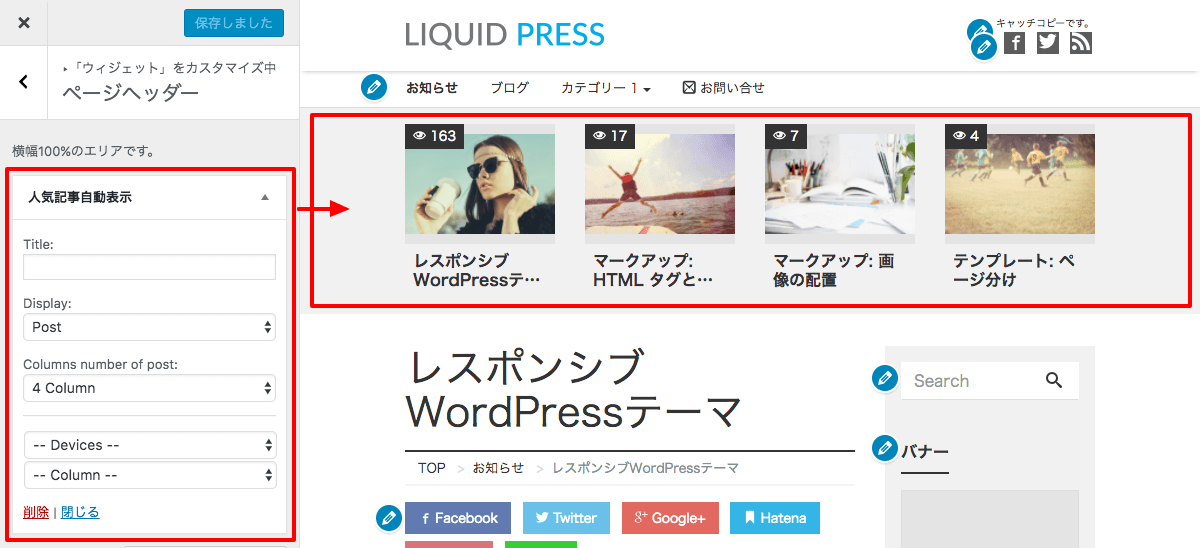 Recommended placement areas: Page Header, Page Footer
Demo site settings: placed in Page Header, Post (post pages only), 4 columns, Desktop (desktop only)
Author Display
You can choose whether or not to display the author profile at the bottom of post pages.Profile content is configured from "Edit Profile" for the user in the admin dashboard.
It can also be placed as a "Profile" widget.
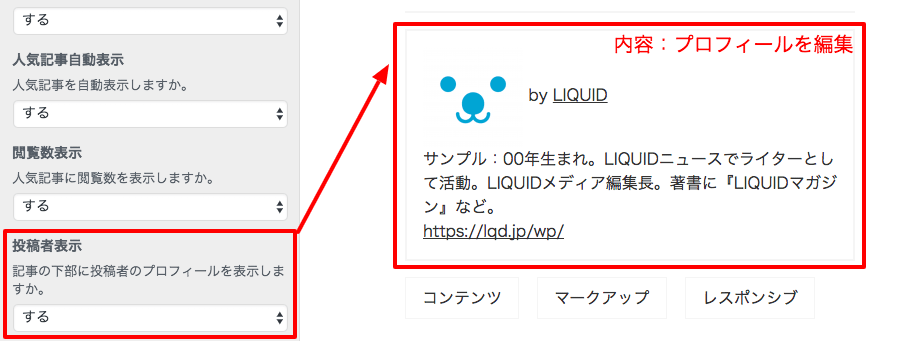 "Profile" and "SNS" can be placed as widgets.
For details, please see here.
Inquiry Box (CTA)
Specify the URL and display name for the inquiry box (CTA) shown at the bottom of post pages.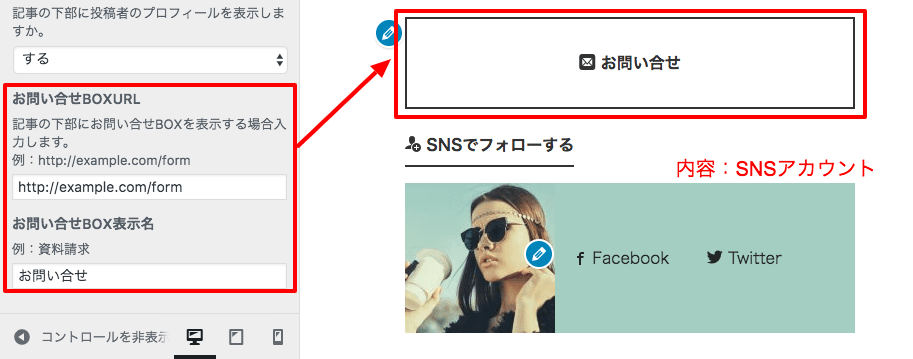
Other
Contact Form
Please use a contact form plugin.We recommend plugins such as "Contact Form 7", which lets you place a form anywhere you like as a widget.
For setup instructions, please see the Contact Form 7 manual.
*We do not guarantee the operation of third-party plugins.
Content Analysis Beta
The theme includes the Content Analysis Beta tool, which visualizes results and issues.Please see About the Content Analysis Beta tool.
AMP (Accelerated Mobile Pages)
The theme supports the AMP plugin, which delivers content optimized for mobile.Please see AMP plugin compatibility status.
AdSense Next-Generation Ads
The theme supports the insertion of Google AdSense next-generation ads.Please see About AdSense next-generation ads.
LIQUID PRESS
 » Unlimited Plan
» All Themes
» Unlimited Plan
» All Themes